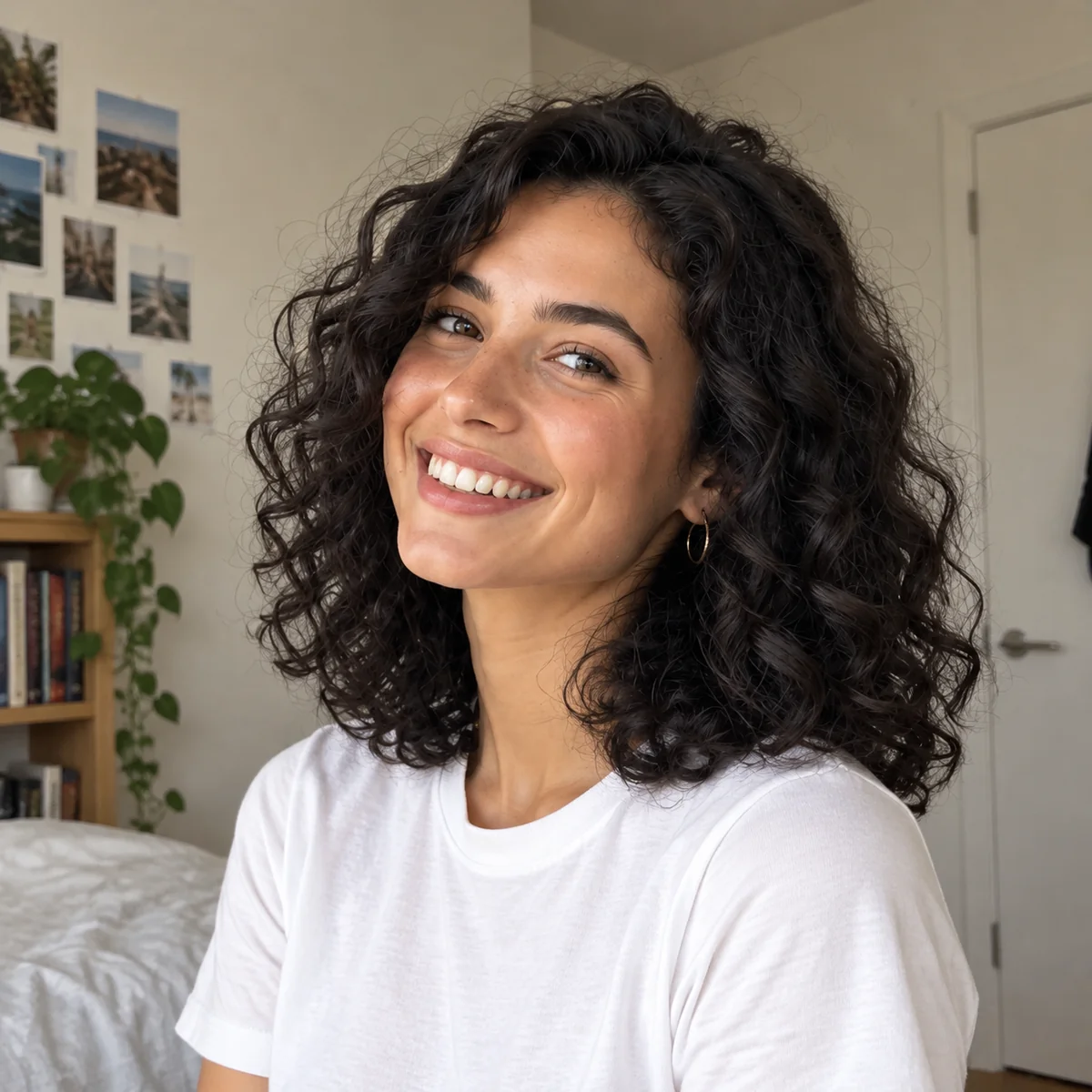
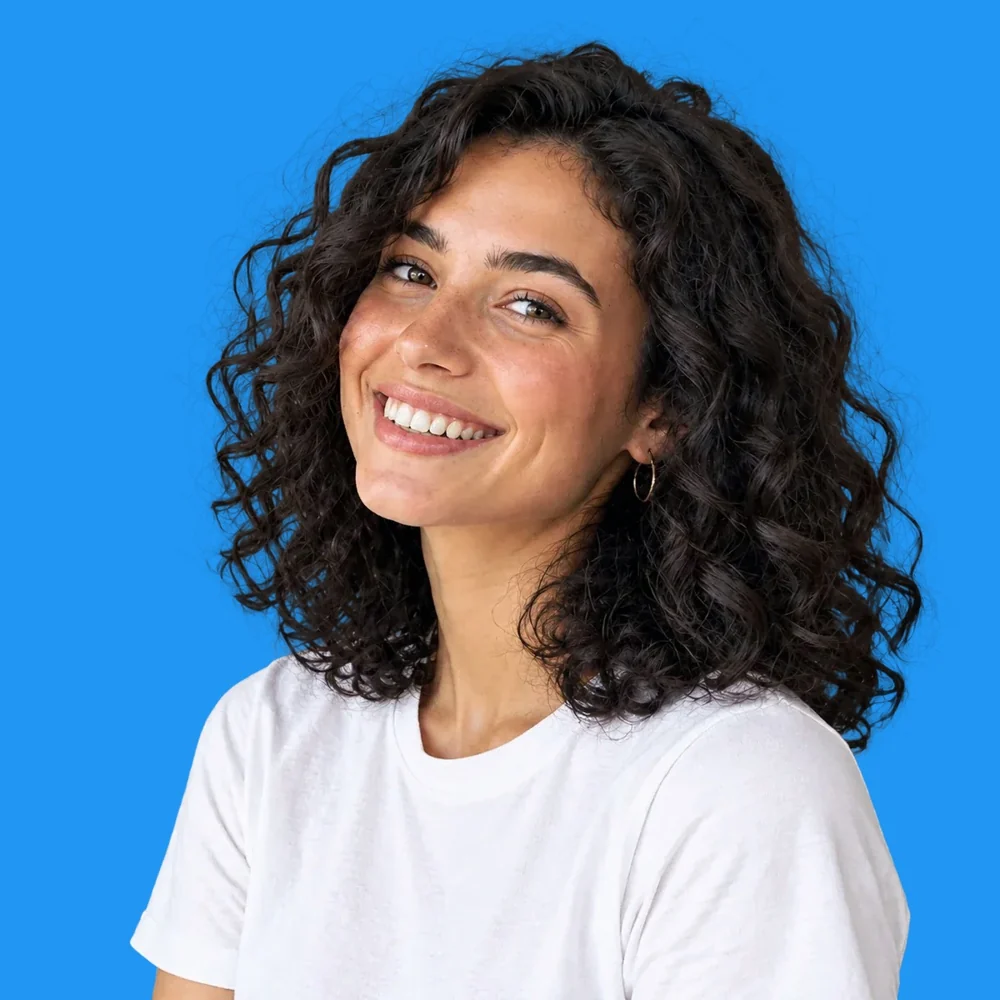
Profile photos
By using this tool you agree to our Terms of Service and Privacy Policy.
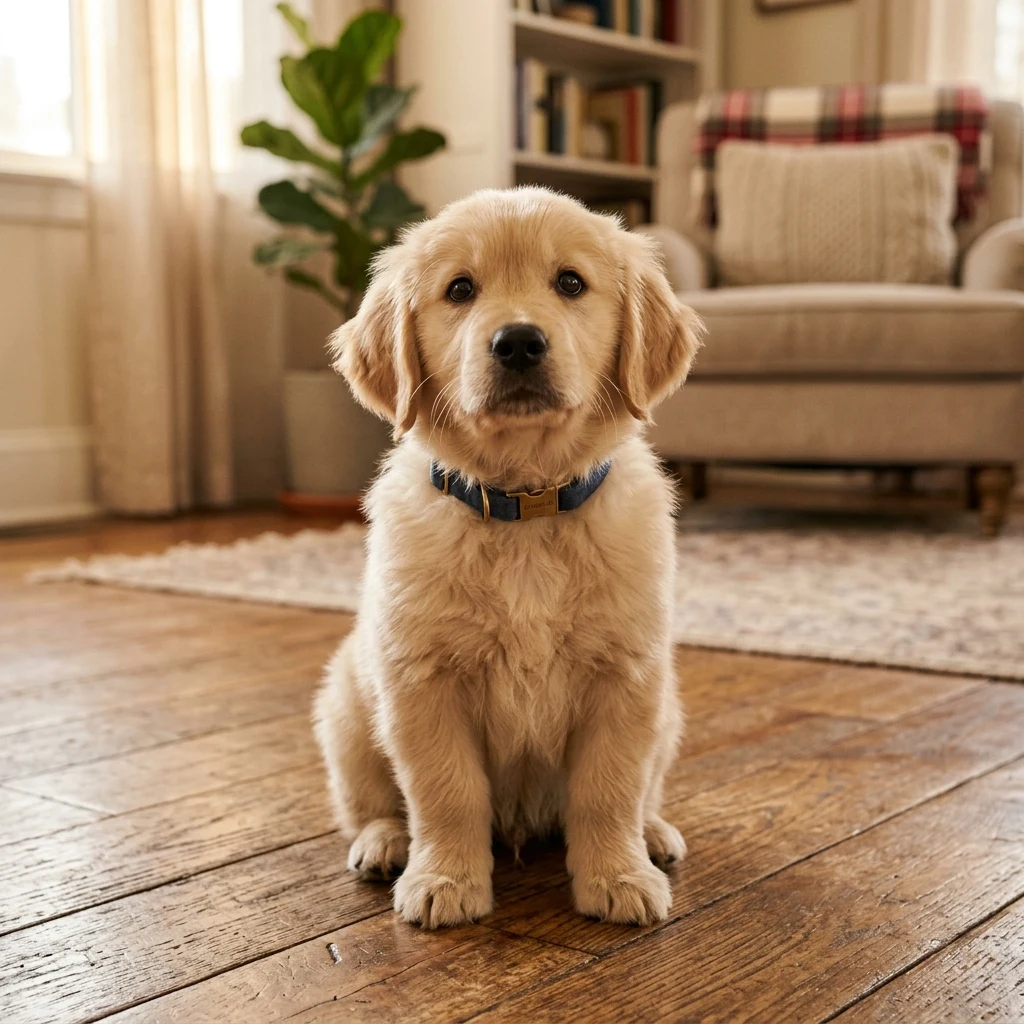
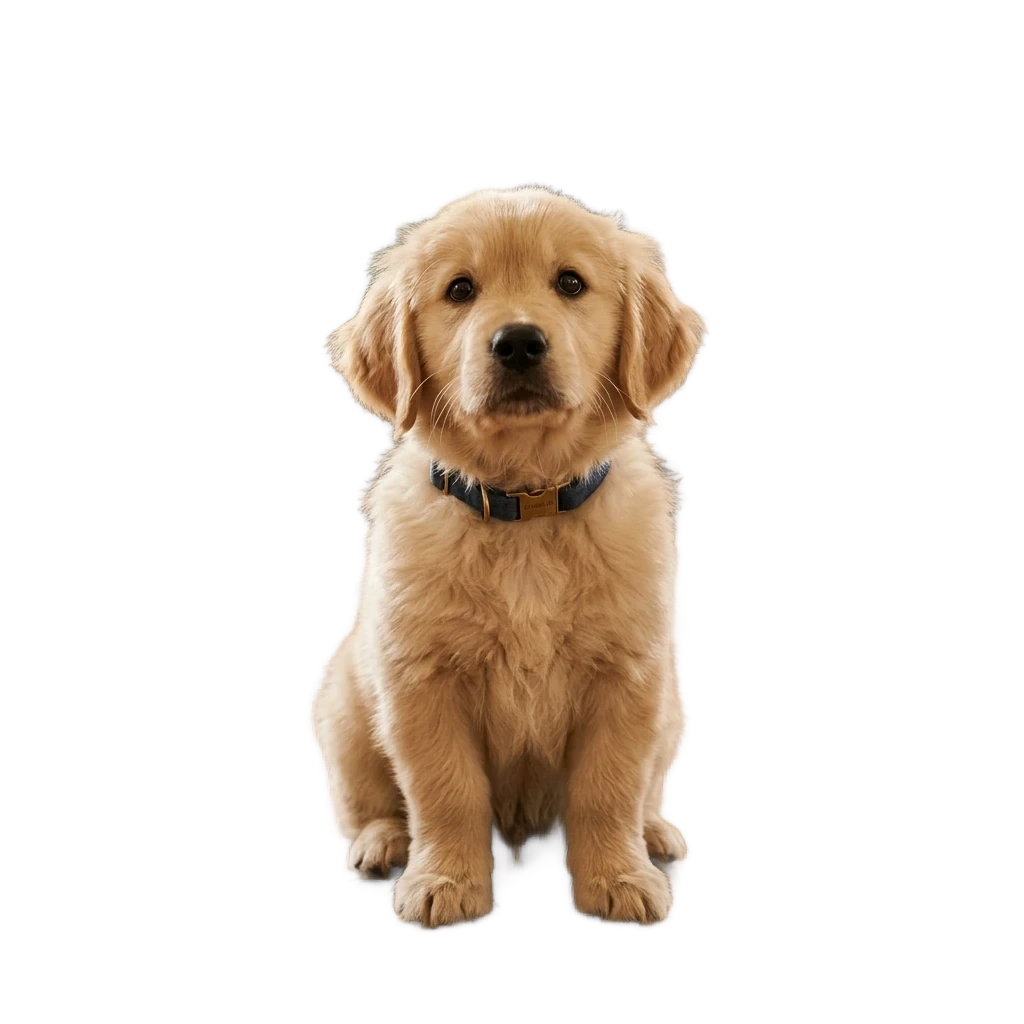
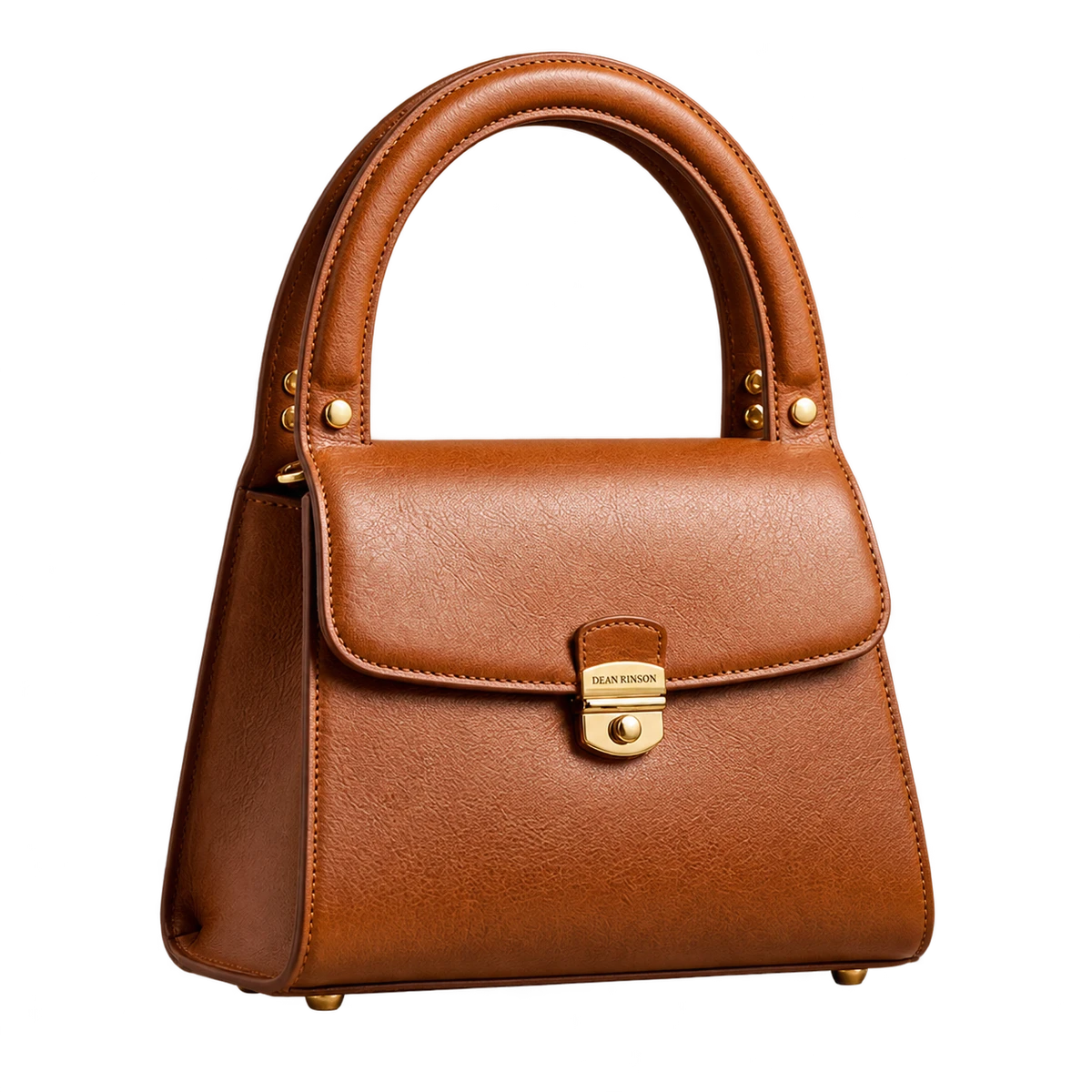
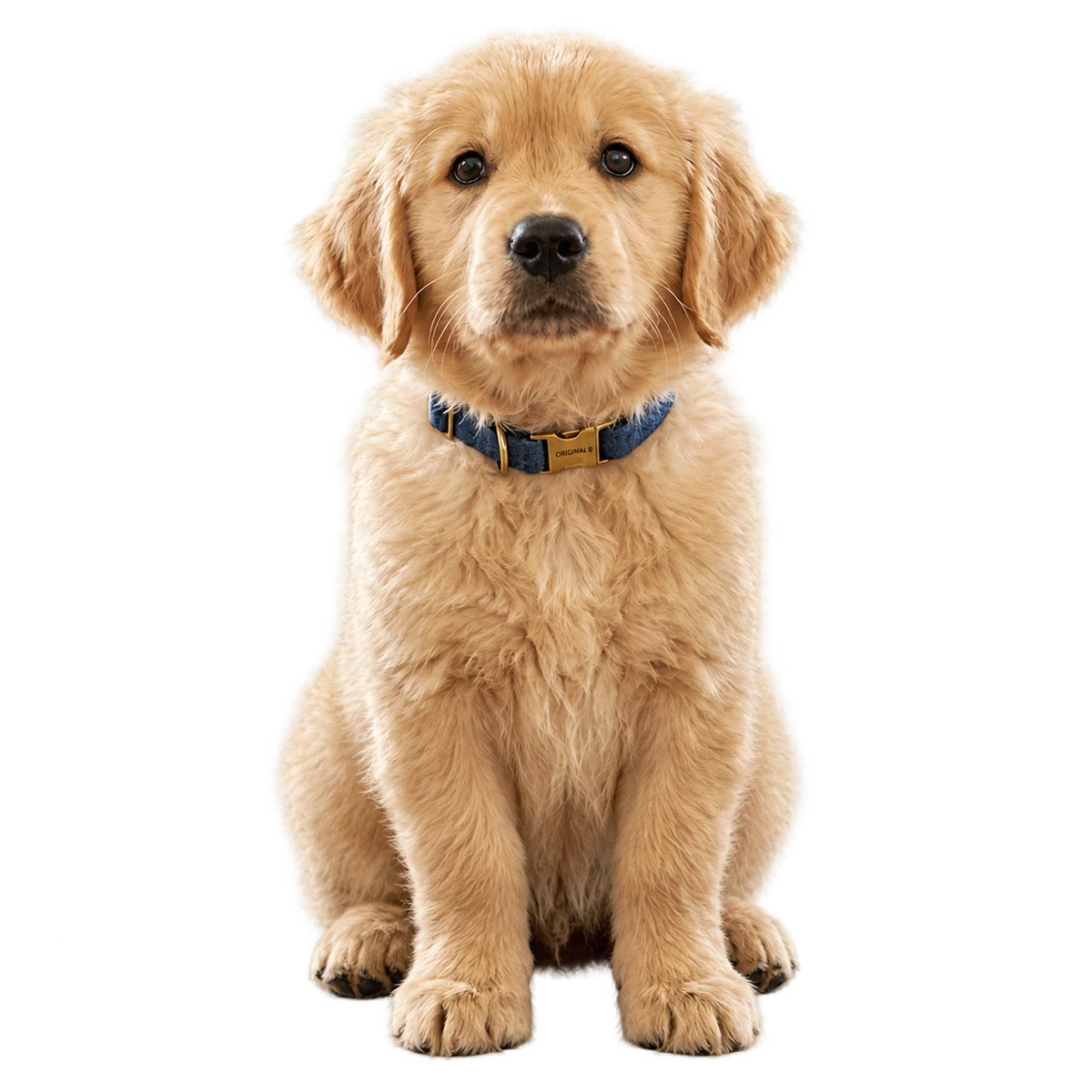
Real results from PixRemove: the original on the left, our cut-out on a color from the editor’s palette on the right.
Profile photos
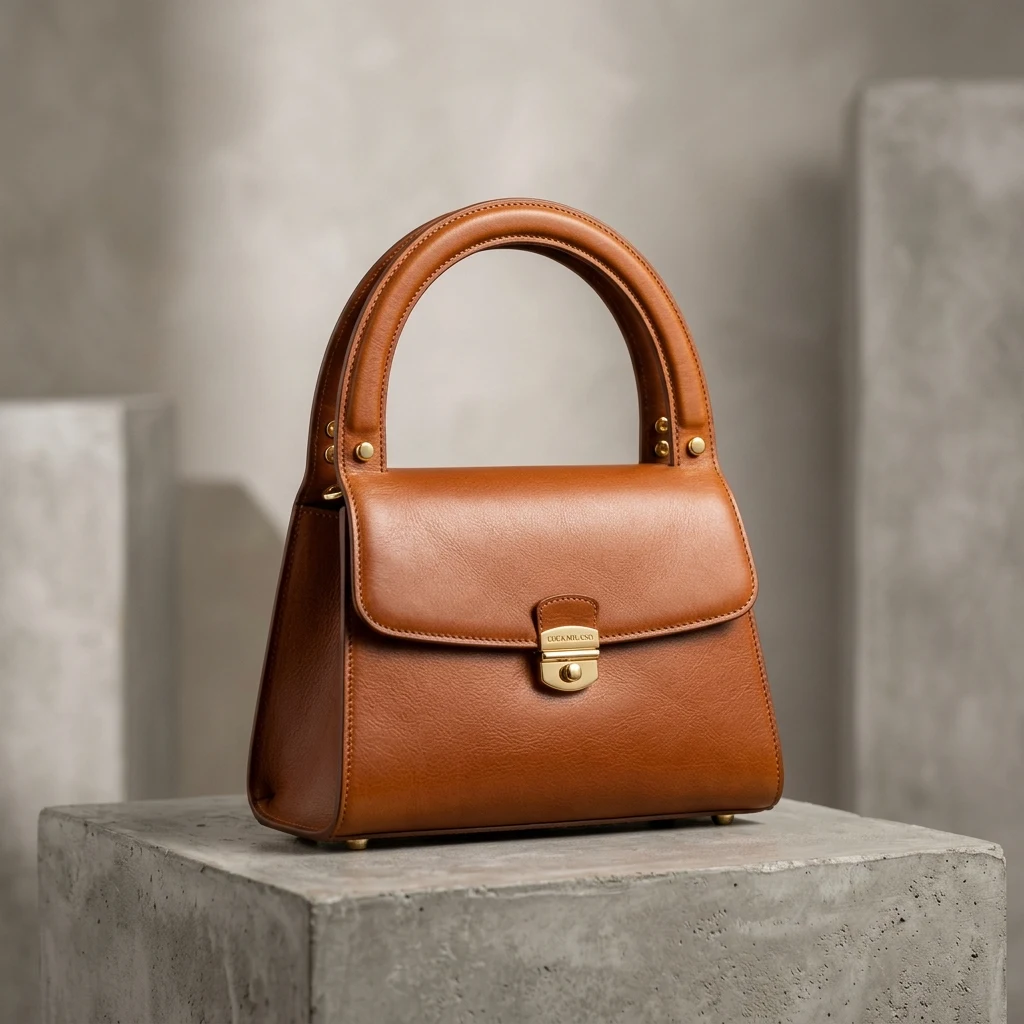
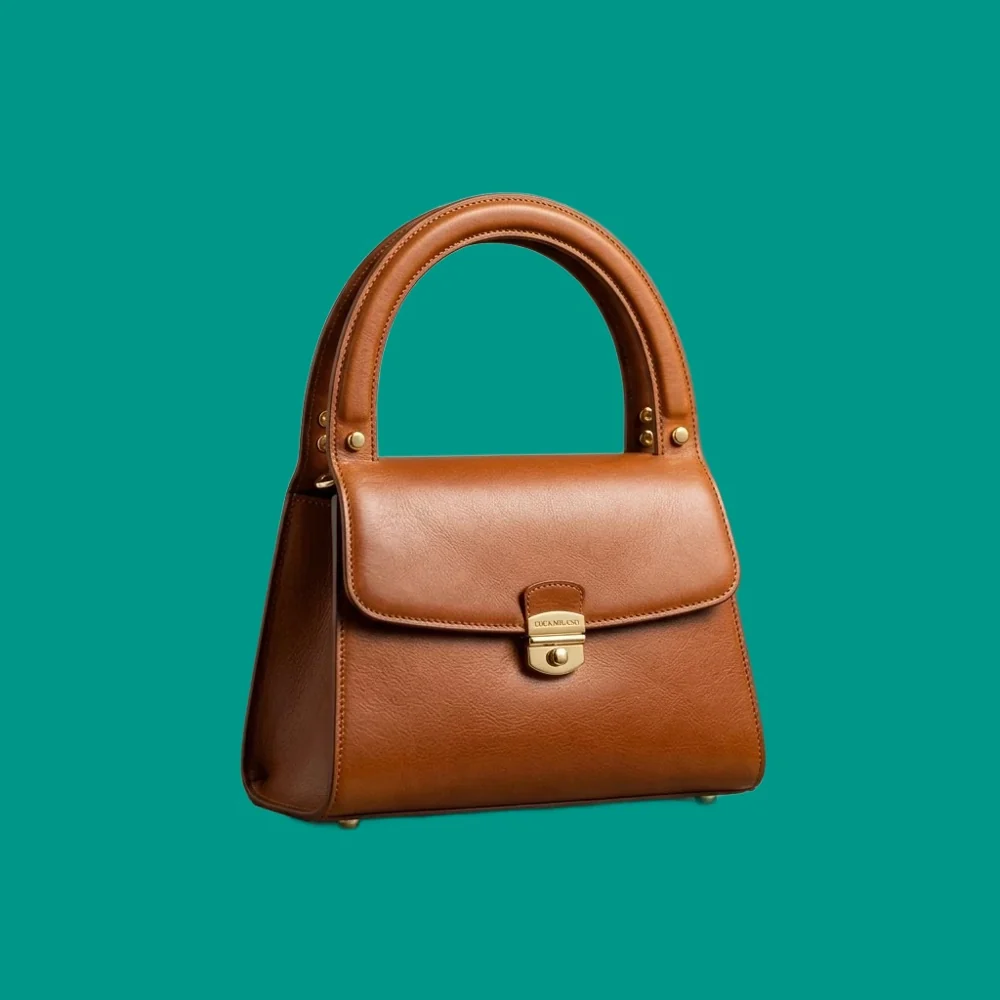
Products
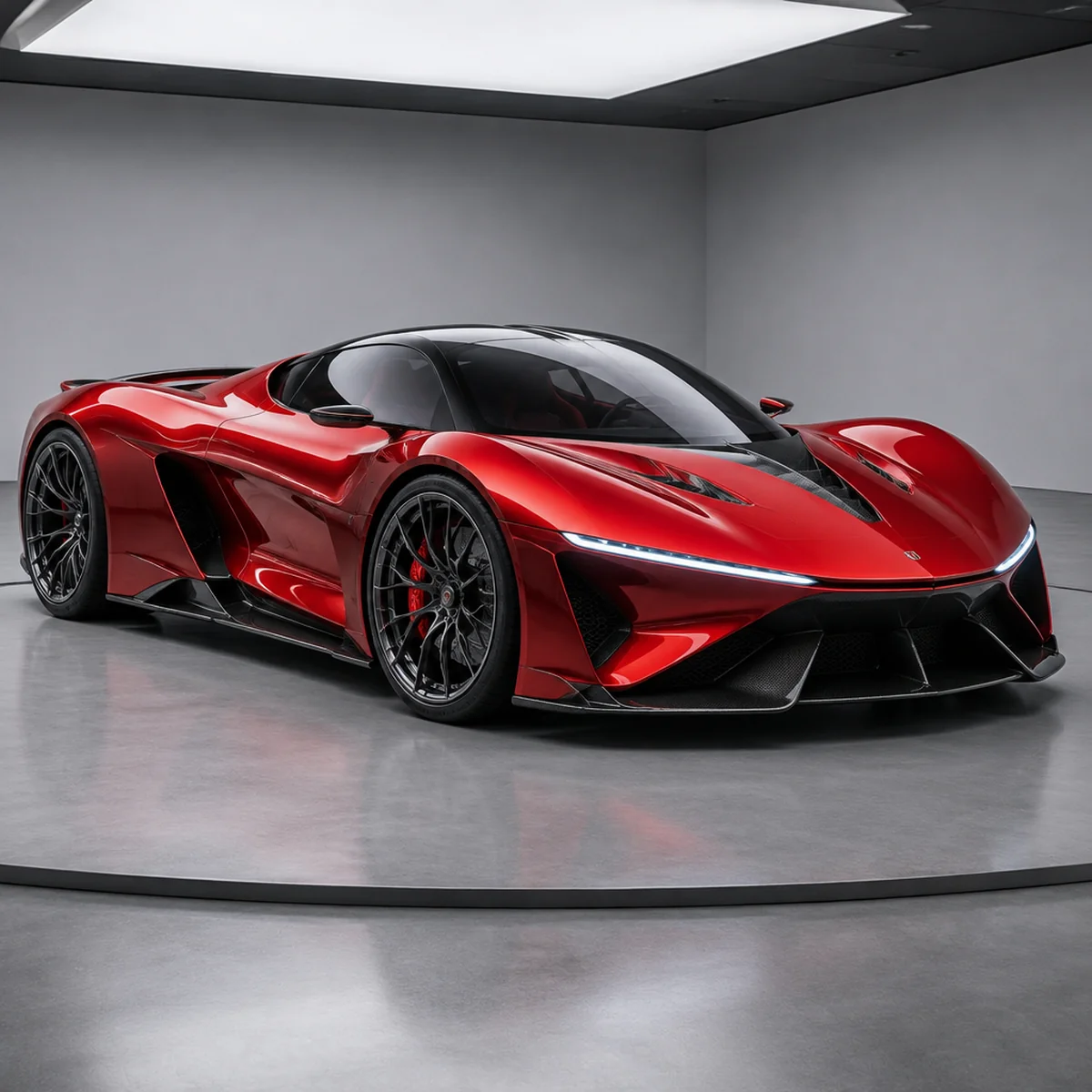
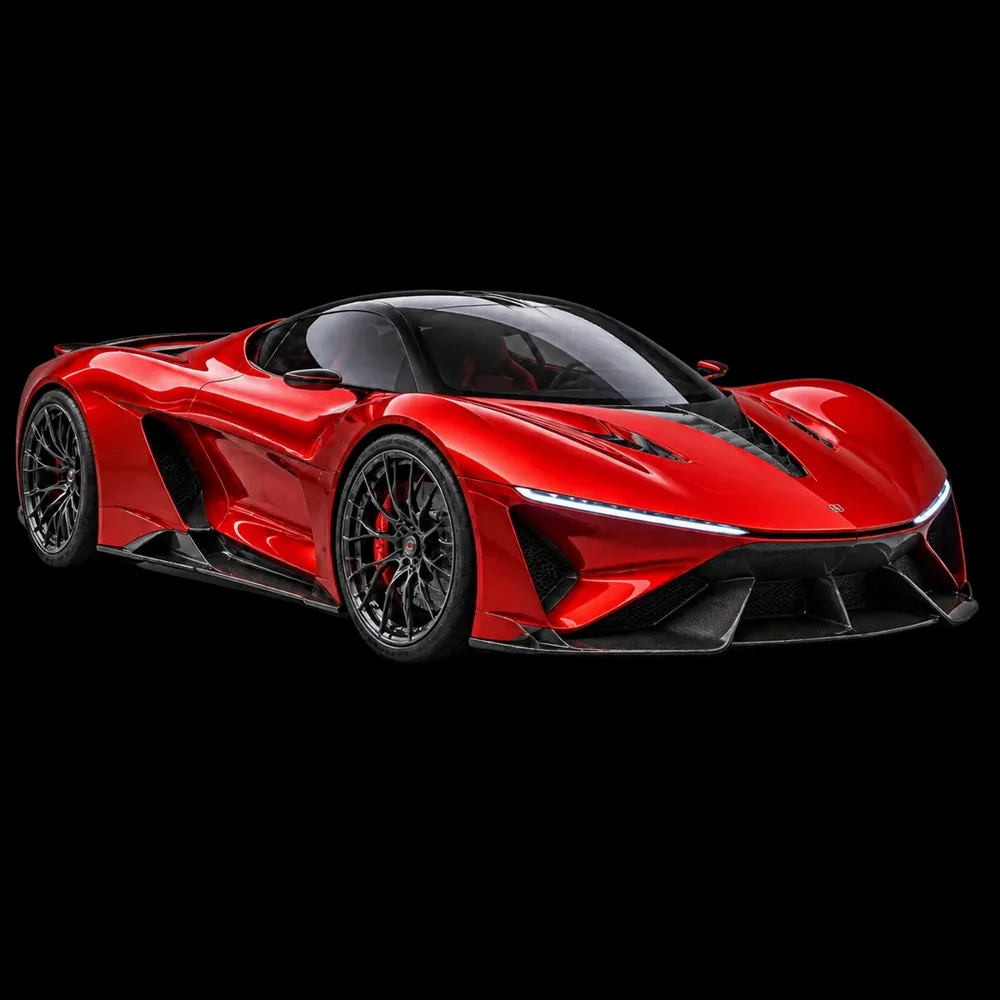
Cars
JPG, PNG or WebP up to 30 MB, or paste with Ctrl/⌘+V. Up to 50 at once.
The background is removed and the editor opens on the Color tab with blue applied. Choose another of the 21 colors, or any shade in the picker.
Save a JPG or PNG (up to 16 MP), or every photo in one ZIP.
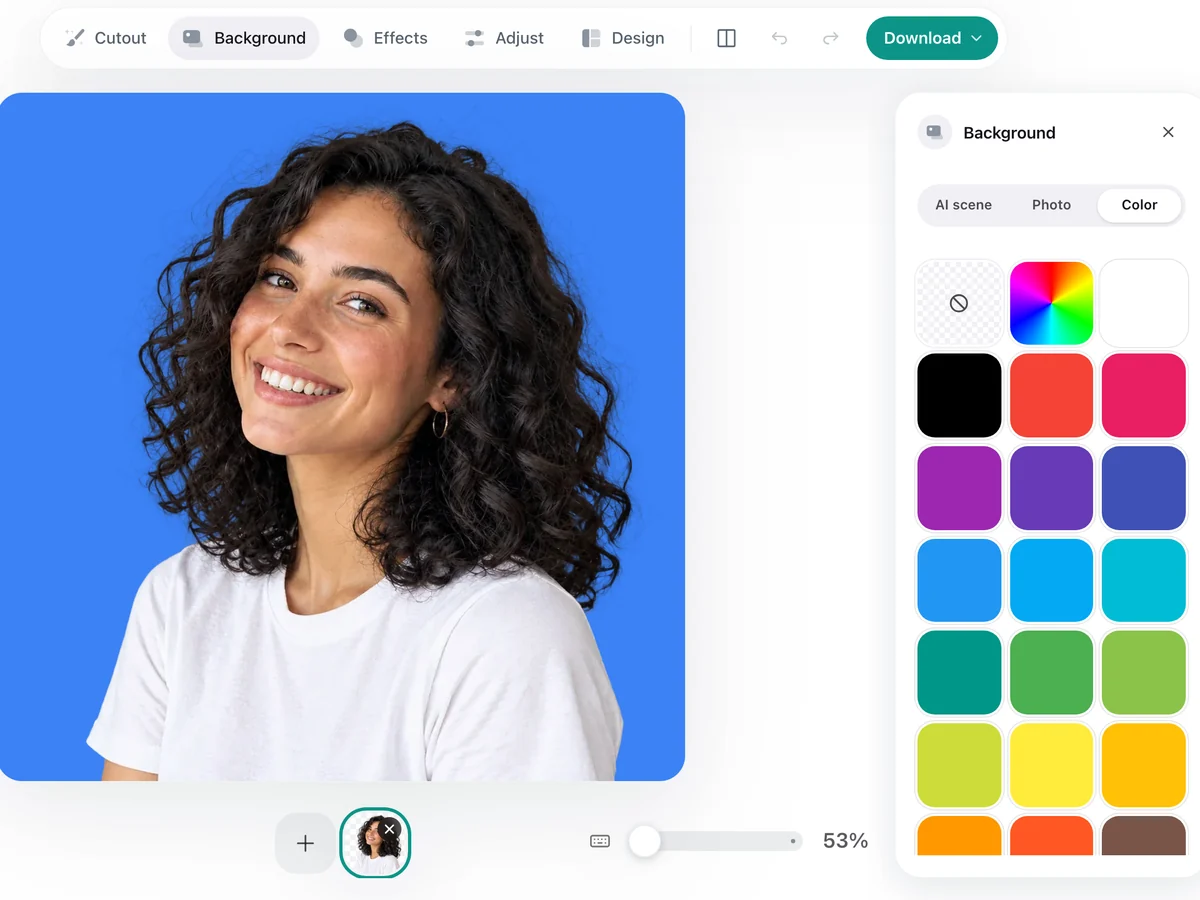
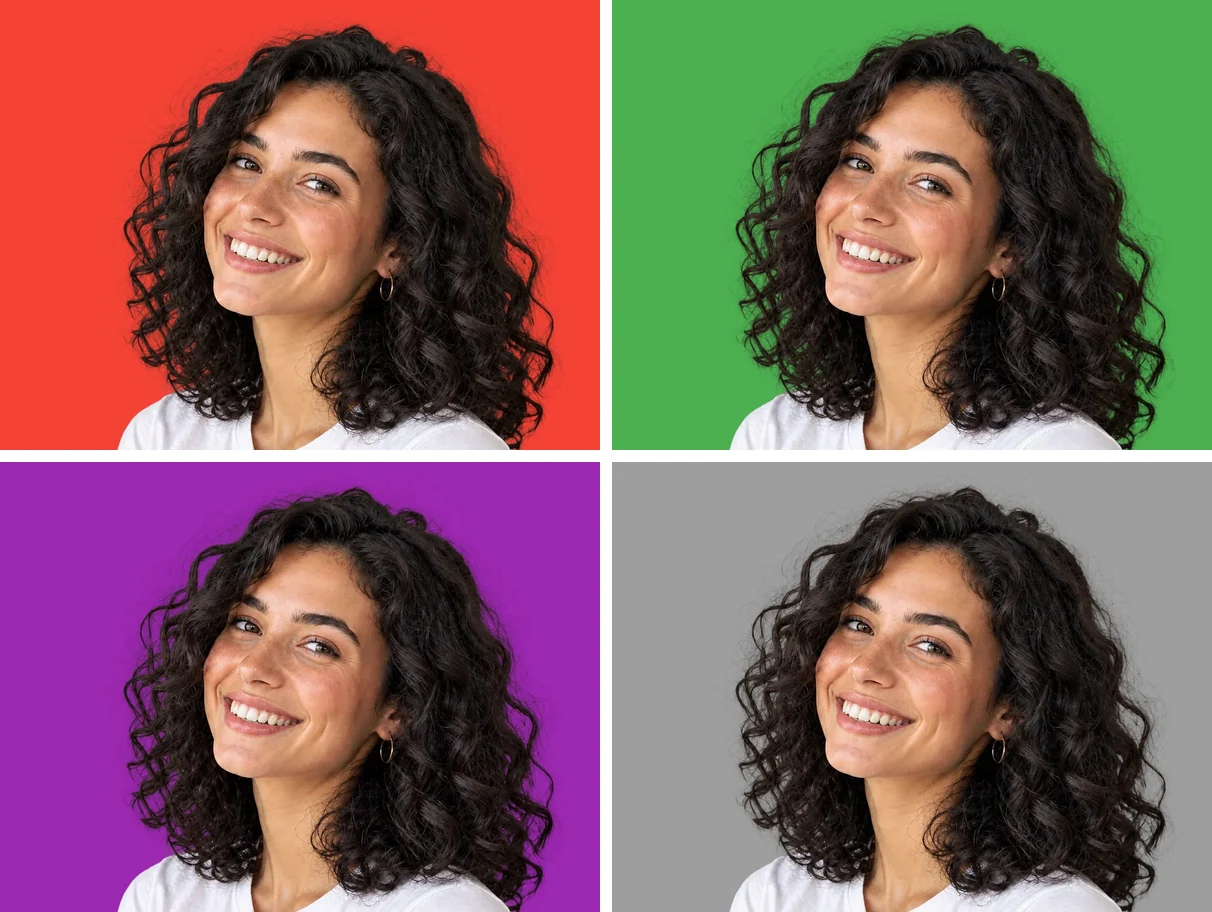
The web batch takes up to 50 images at a time. The desktop app takes whole folders, resumes after interruptions and saves straight into your folders.
Upload the photo on this page. The background is removed and the editor opens on the Color tab; pick a color and download a JPG or PNG.
Your first 2 photos are free, no sign-up needed. After that, a free account gives you 10 credits, and each photo uses 1 credit. See pricing for packs and plans.
Yes. Besides the 21 preset colors, the color picker lets you choose any shade, so you can match your brand color.
Yes. Add up to 50 photos; each one opens with the same background color, and you can download them all in one ZIP.
Hair and fur keep their soft edges. On very bright colors, a few loose strands can still show a trace of the old background; touch them up with the erase brush, or pick a softer shade.
A JPG or PNG of the edited photo, up to 16 MP. If you want the subject with no background at all, download the transparent cut-out at the size you uploaded, up to 30 MP.
No watermark, and your first 2 photos are free without sign-up.