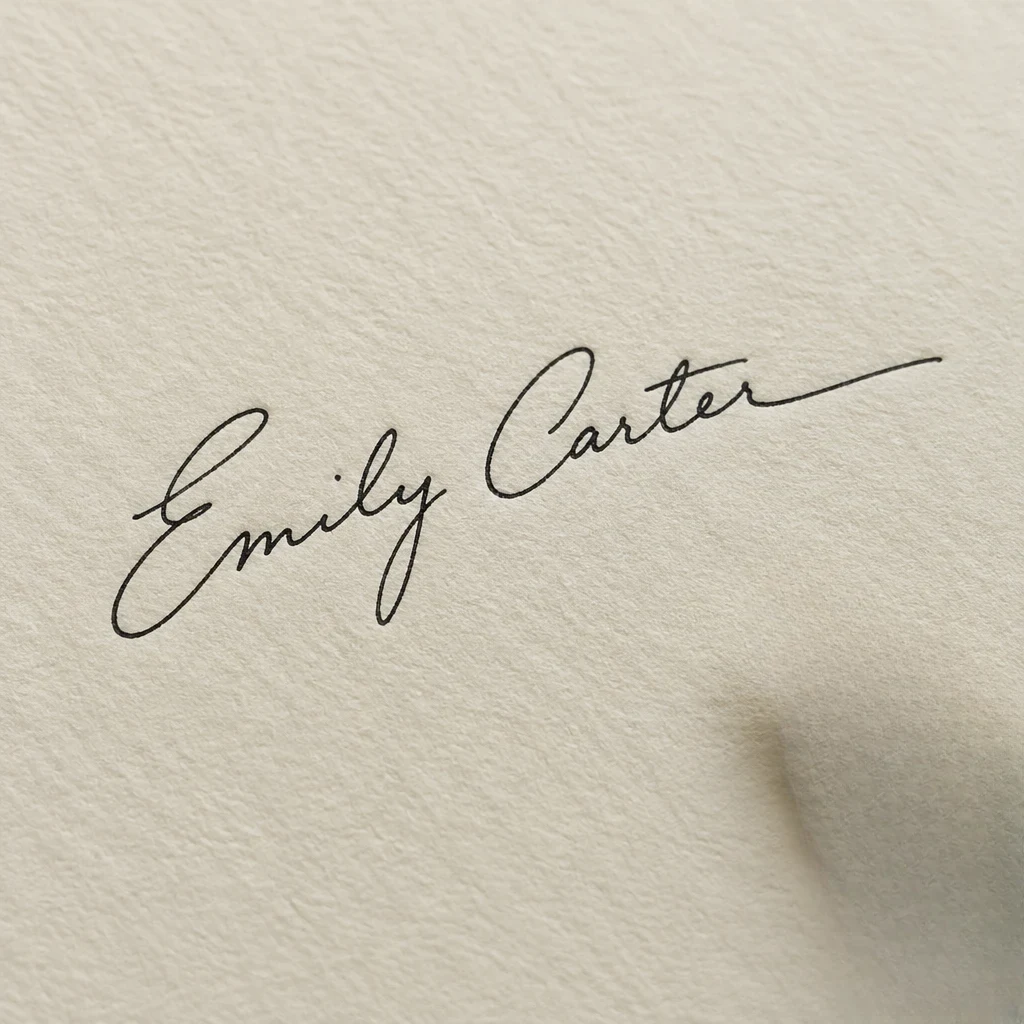

Before
After
Get the beach to yourself
Brush over tourists and swimmers behind you; the sea and sand are filled back in.
 Remove
Tourists in the background, a pen on the desk, clutter in the corner — brush over it and it's gone.
Brush over tourists and swimmers behind you; the sea and sand are filled back in.
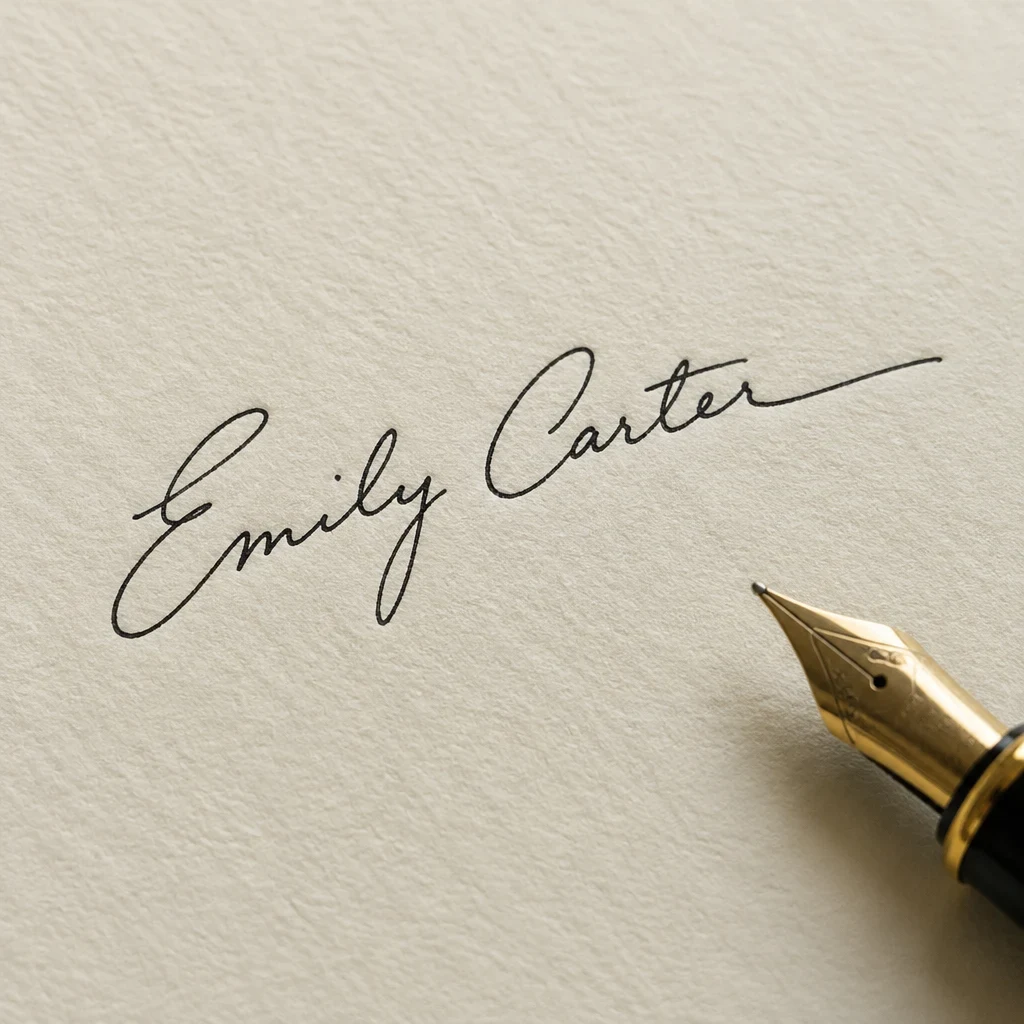
A pen, a cup, a stray cable — paint over it and the surface underneath comes back.
Drop a JPG, PNG or WebP, or paste a link.
Paint over the person or thing you want gone, then press Remove.
Repeat as often as you like, then save a PNG or JPG at full resolution.
Clear photobombers and crowds out of travel and street shots.
Works in your browser on desktop and phone. No app, no Photoshop.
Only the area you brush changes; every other pixel stays as sharp as your original.
Step back through every removal and hold to compare with the original.
Works with JPG, PNG and WebP
Upload a photo, brush over what you don't want and download a clean picture.