

Remove Text from Image —
Captions and Date Stamps Gone

Beach photo with a handwritten caption brushed overThe same beach photo with the caption removed, made with PixRemove (after)Remove
Drop a photo to start erasing
Try this photo:
  • Brush and removePaint over any words you want gone
  • Background filled inSand, sky or a plain color carries on
  • The rest stays as isOnly the brushed area and its surroundings change
  • 10 free creditsEnough for 2 removals when you sign up

Text Remover from Image: Real Results

Real results from PixRemove: the original on the left, the same image after brushing and pressing Remove on the right.

Beach at sunset with a handwritten caption
Before
Beach at sunset with a handwritten caption — After
After

Captions

Erase a caption from a photo

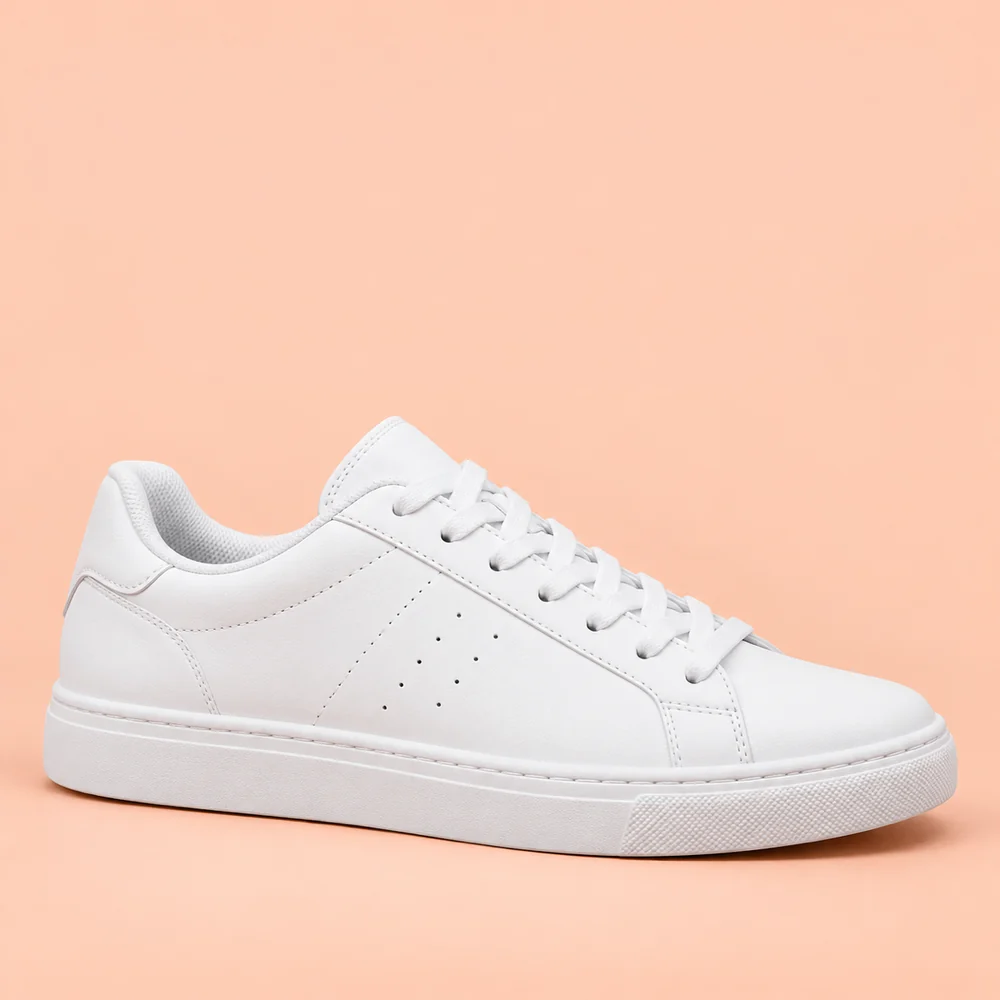
White sneaker on a peach background with sale text
Before
White sneaker on a peach background with sale text — After
After

Product photos

Remove promotional text from a product image

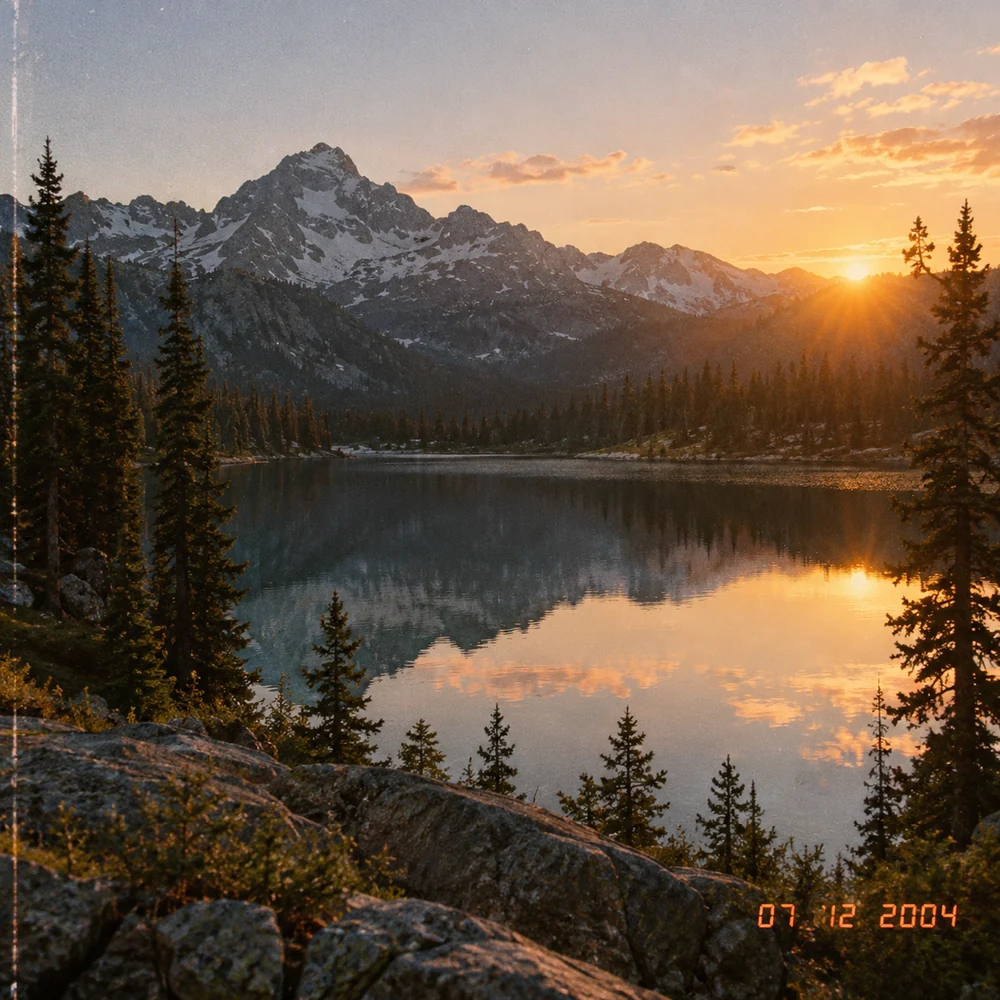
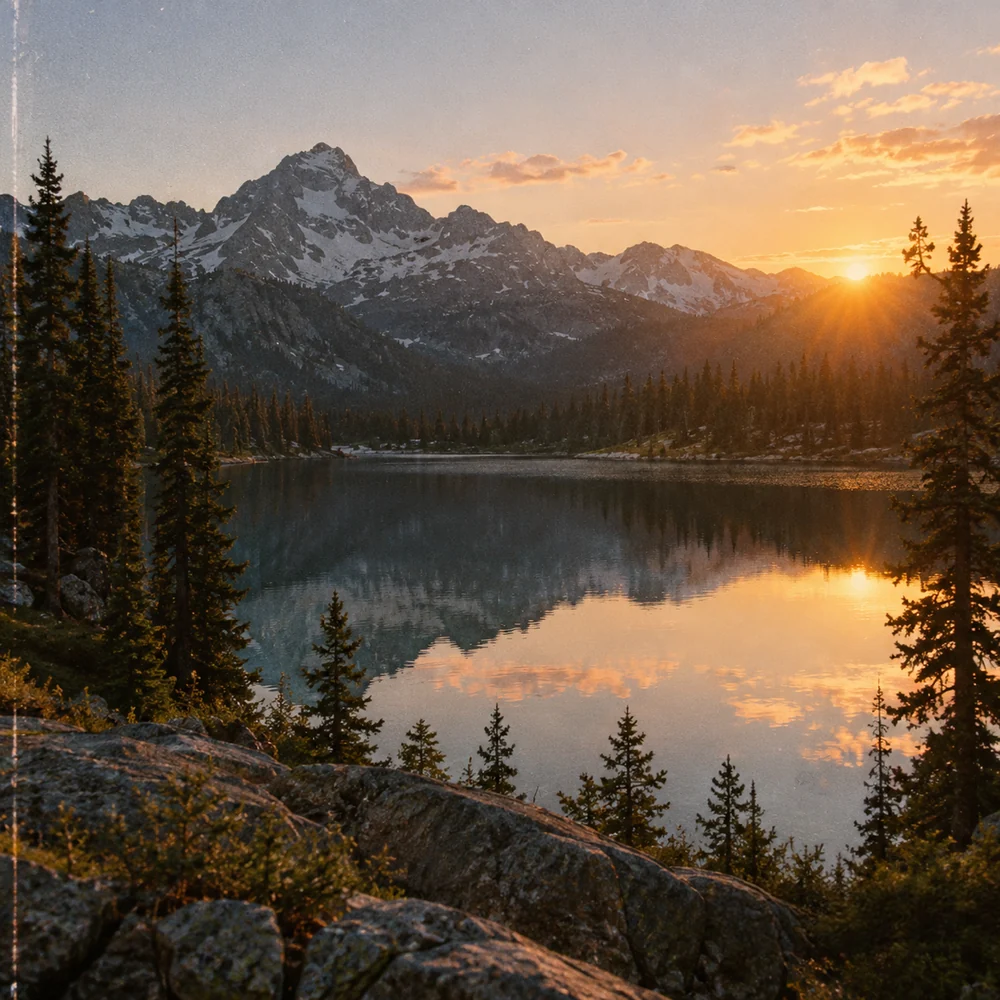
Mountain lake at sunrise with an orange date stamp
Before
Mountain lake at sunrise with an orange date stamp — After
After

Date stamps

Remove a date stamp from an old photo

How to Remove Text from an Image

  1. 1

    Upload your image

    JPG, PNG or WebP. Photos larger than 30 MP are scaled down first.

  2. 2

    Brush over the text

    Cover the words, then press Remove. Each Remove uses 5 credits.

  3. 3

    Download

    Save a PNG or JPG. Undo a step, or hold the eye button to compare with the original.

Erase Text from an Image With a Brush

The PixRemove eraser with a brush stroke over sale text on a product photo
Brush & undo

Brush over the words, check, then remove

  • Set the brush size and paint over the text; nothing changes until you press Remove.
  • Undo, redo or clear your strokes, and hold the eye button to see the original.
  • Download a PNG or JPG; every cleaned image is also saved in Creations.
Remove text from an image
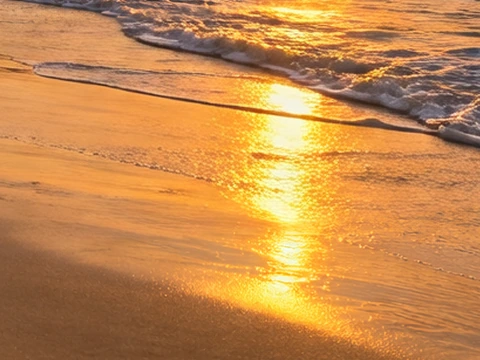
Close-up of the beach before and after the caption was removed
Before
After
Detail

The background is redrawn, not smudged

  • The area around your stroke is sent at its own size, up to 2048 px on its long side, so the fill matches the pixels around it.
  • Drag the slider over this crop at its original size: where the caption was, the sand and the waves carry on.
Remove text from an image

Remove Text from Image FAQ

Remove Text from Your Image Now

Sign up for 10 free credits — enough for 2 removals.
Drop a photo to start erasing