
Portraits
By using this tool you agree to our Terms of Service and Privacy Policy.
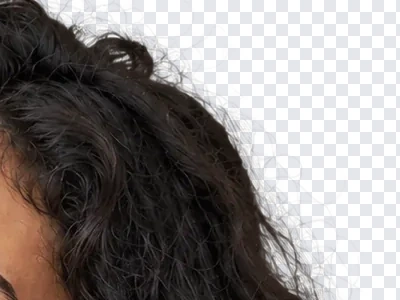
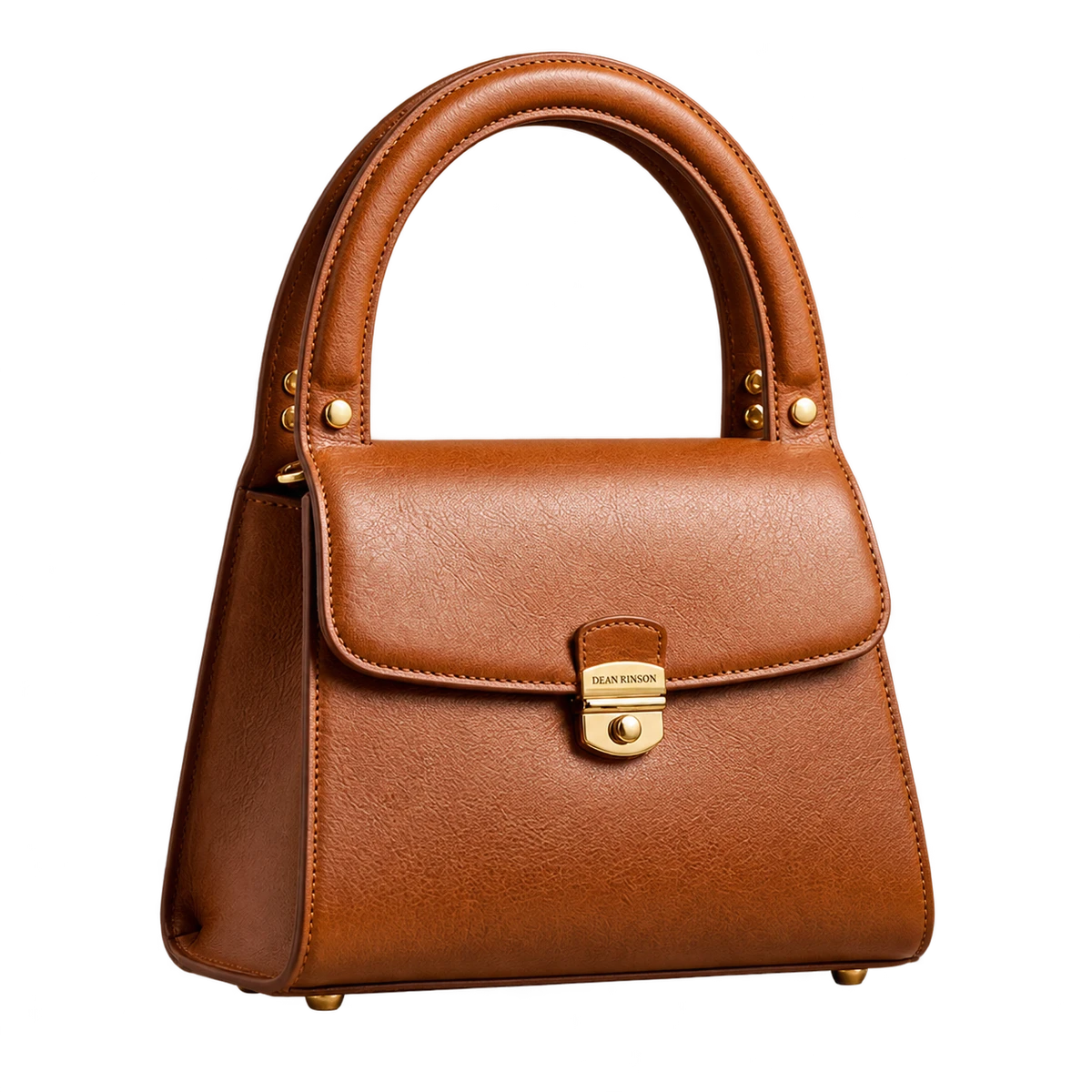
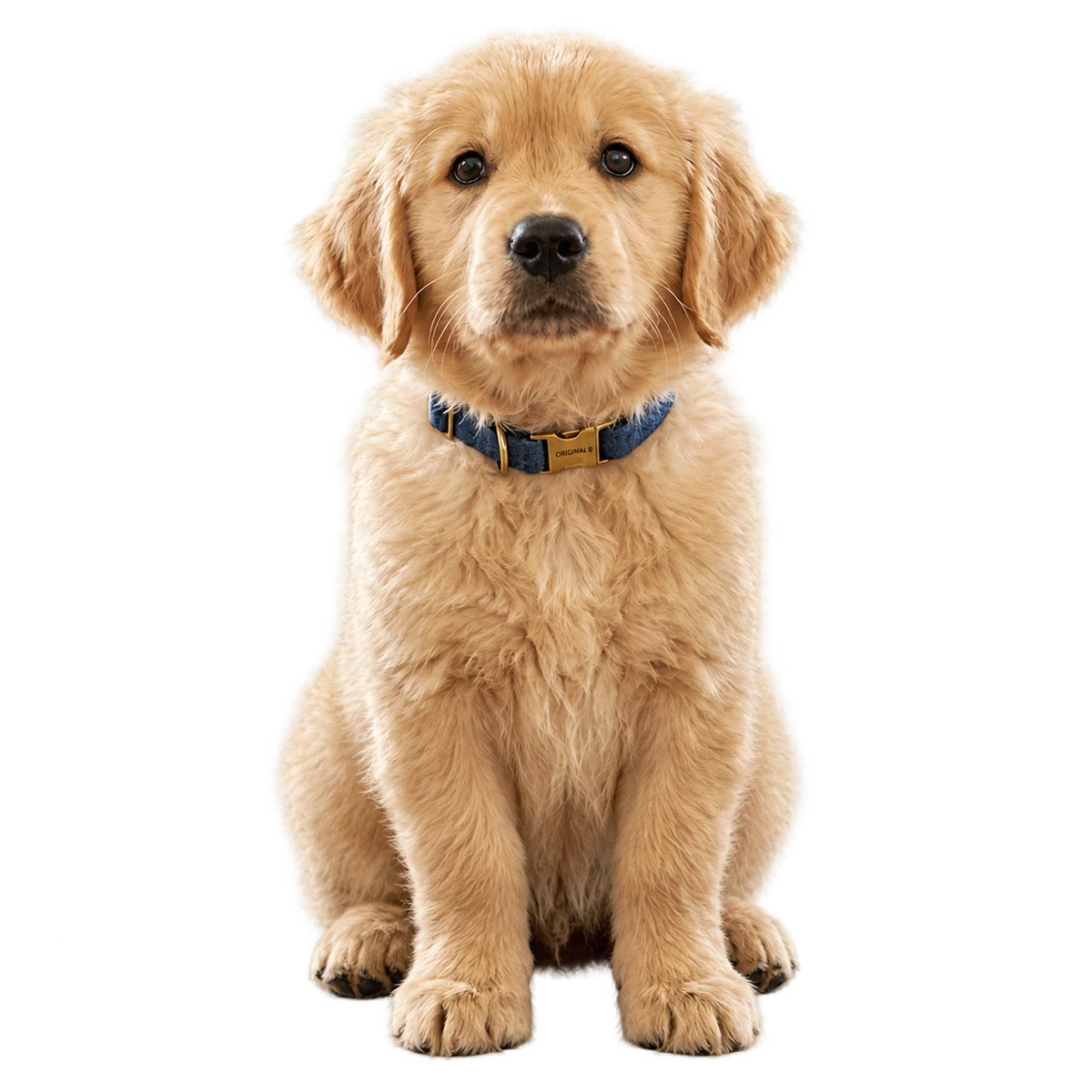
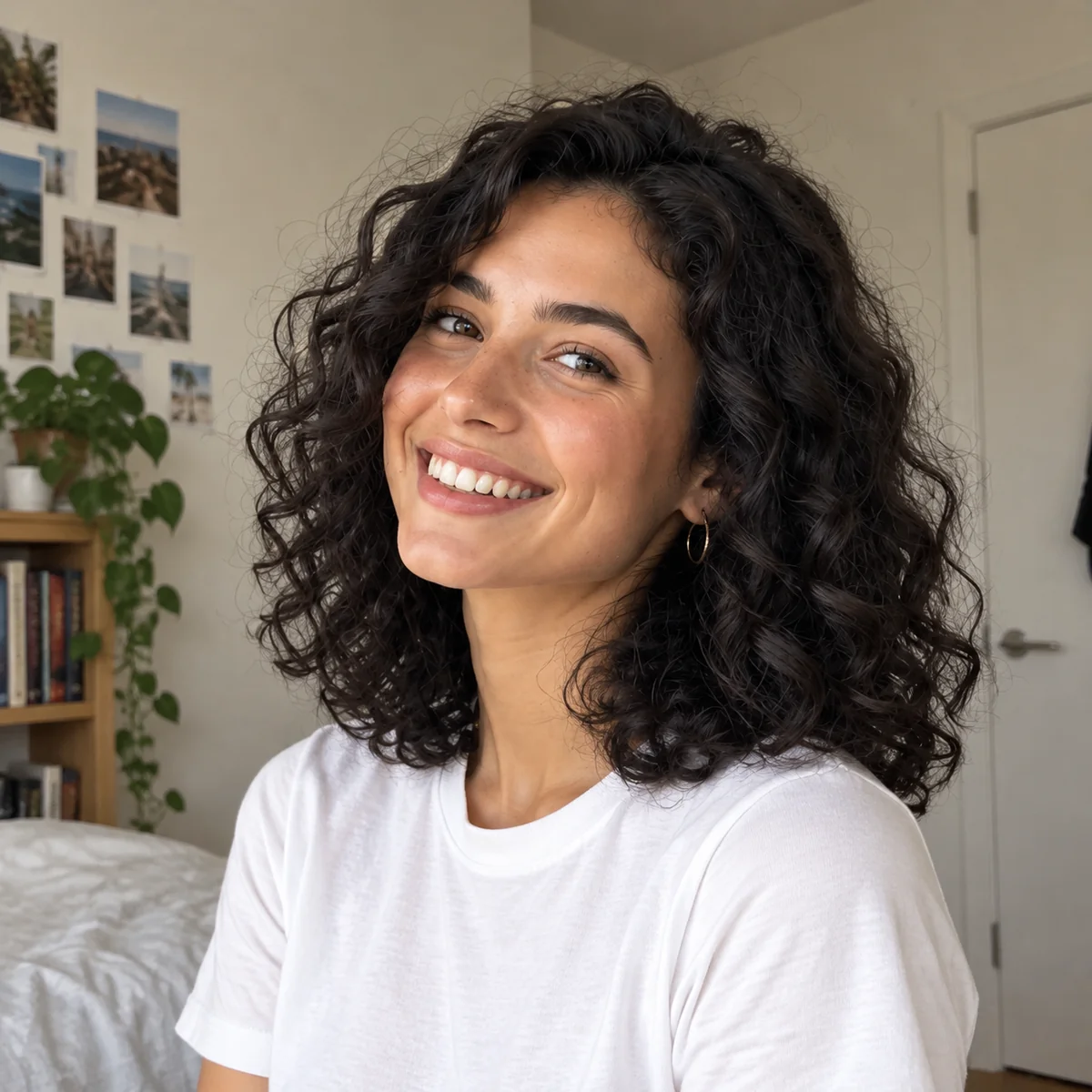
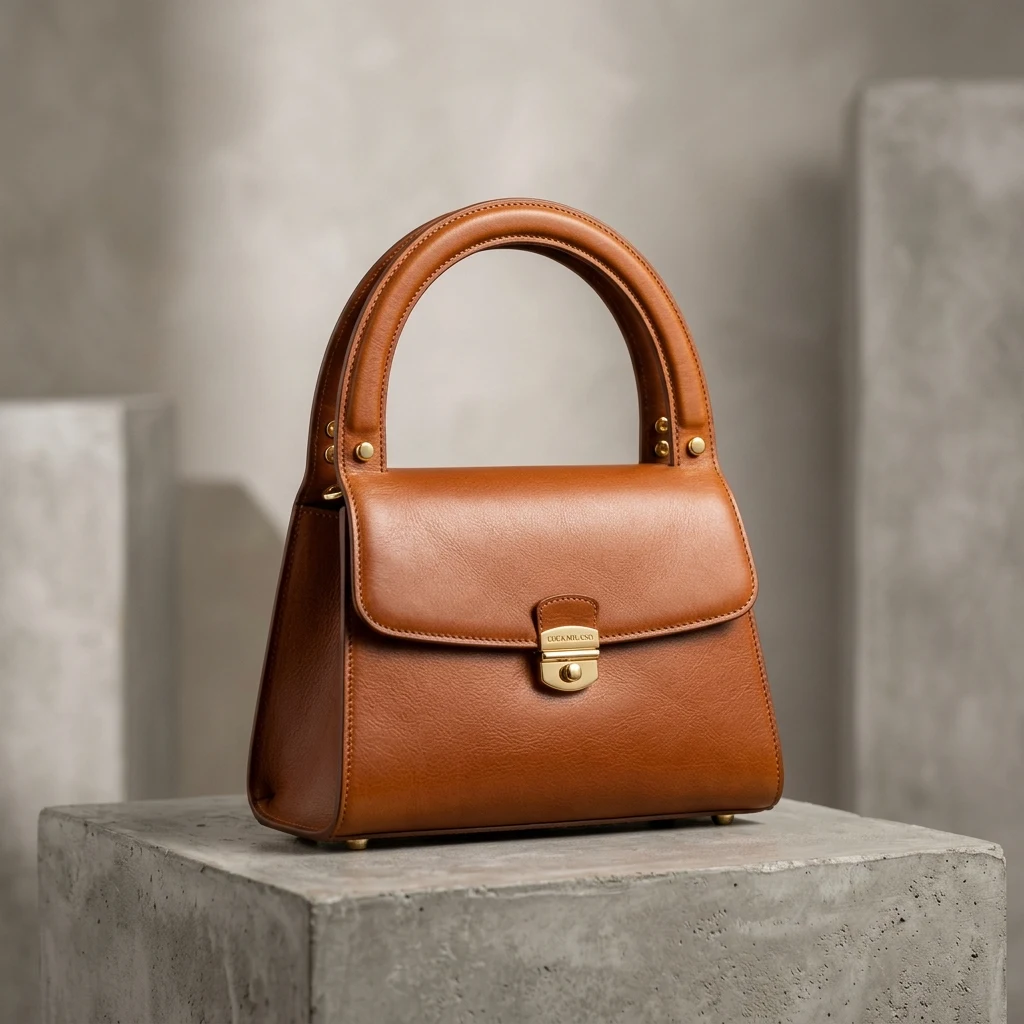
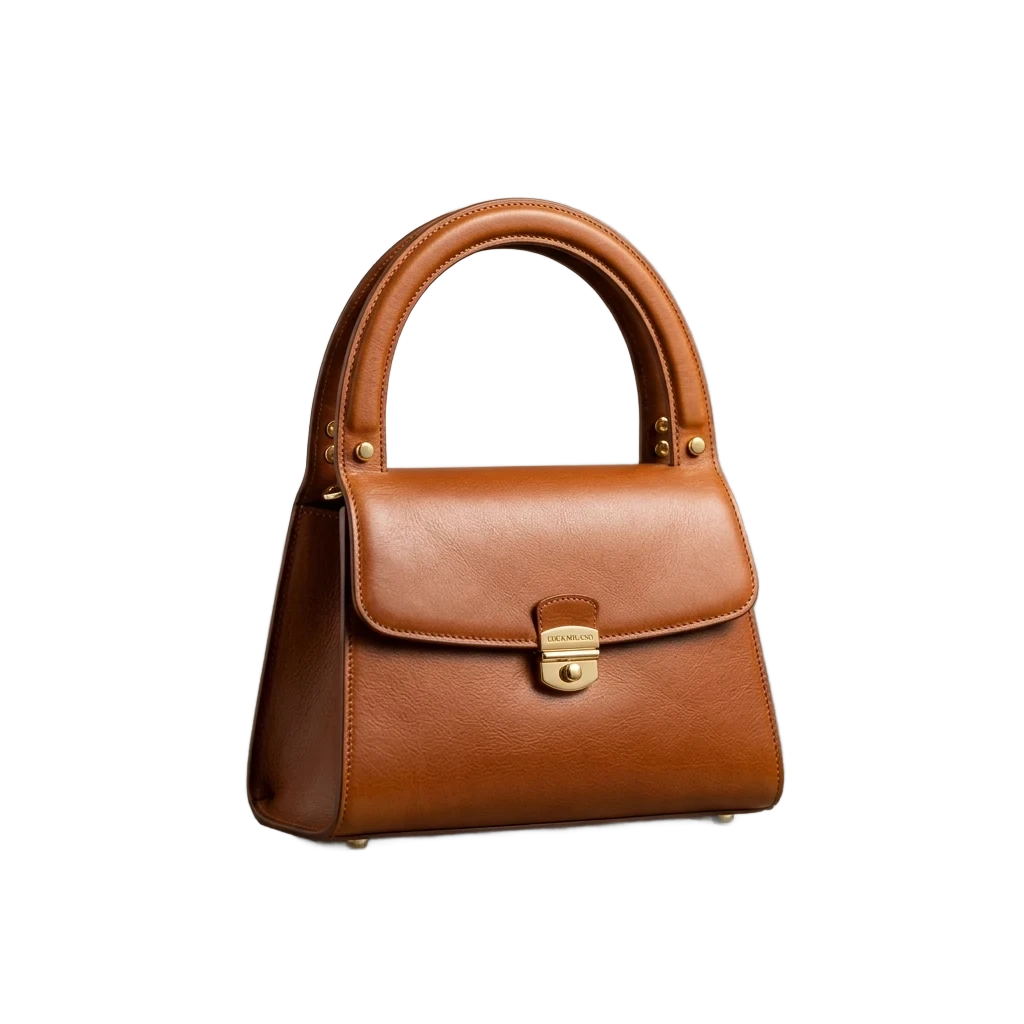
Real results from PixRemove: the original on the left, our transparent cut-out on the right.
Portraits
Products


JPG to PNG
JPG, PNG or WebP up to 30 MB, or paste with Ctrl/⌘+V. Up to 50 at once.
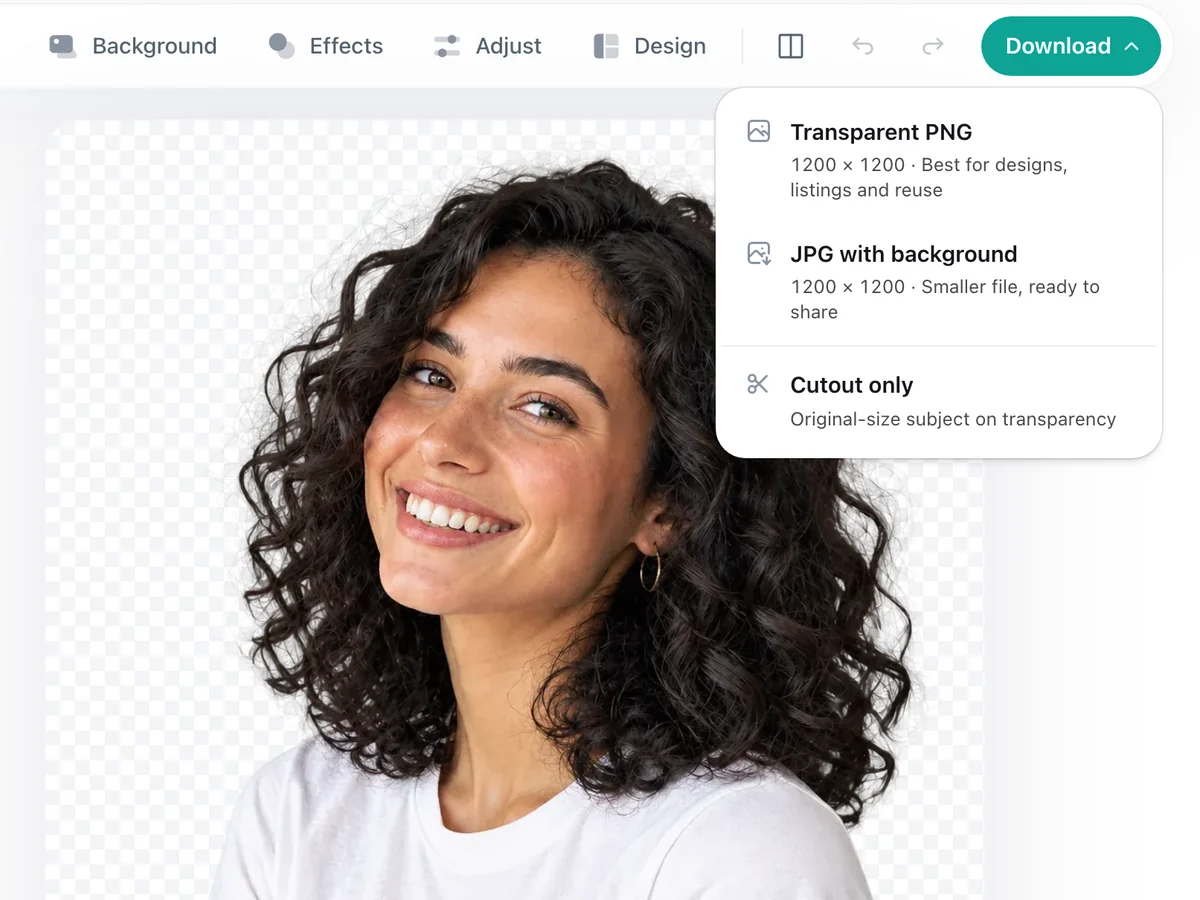
The background is removed on its own and the editor opens with it see-through.
Choose Transparent PNG, or Cutout only for the subject at the size you uploaded (up to 30 MP).
The web batch takes up to 50 images at a time. The desktop app takes whole folders, resumes after interruptions and saves straight into your folders.
Upload the image on this page. The background is removed on its own; download it as a Transparent PNG from the editor.
Your first 2 photos are free, no sign-up needed. After that, a free account gives you 10 credits, and each photo uses 1 credit. See pricing for packs and plans.
JPG cannot store transparency, so if you saved a JPG the empty area turns white. Download the PNG instead. Some photo viewers also show transparent areas as white or black; open the PNG in a design tool to see it.
Yes. Upload the picture with the white background; PixRemove keeps the subject and makes the white see-through. It works the same for product shots and signatures on white paper.
Cutout only keeps the size you uploaded, up to 30 MP. A Transparent PNG with edits is up to 16 MP and 6,000 px on the long side.
Yes. Add up to 50 images; each one has its background removed, and you can download them all in one ZIP.
No watermark, and your first 2 photos are free without sign-up.