
Transparent PNG
By using this tool you agree to our Terms of Service and Privacy Policy.
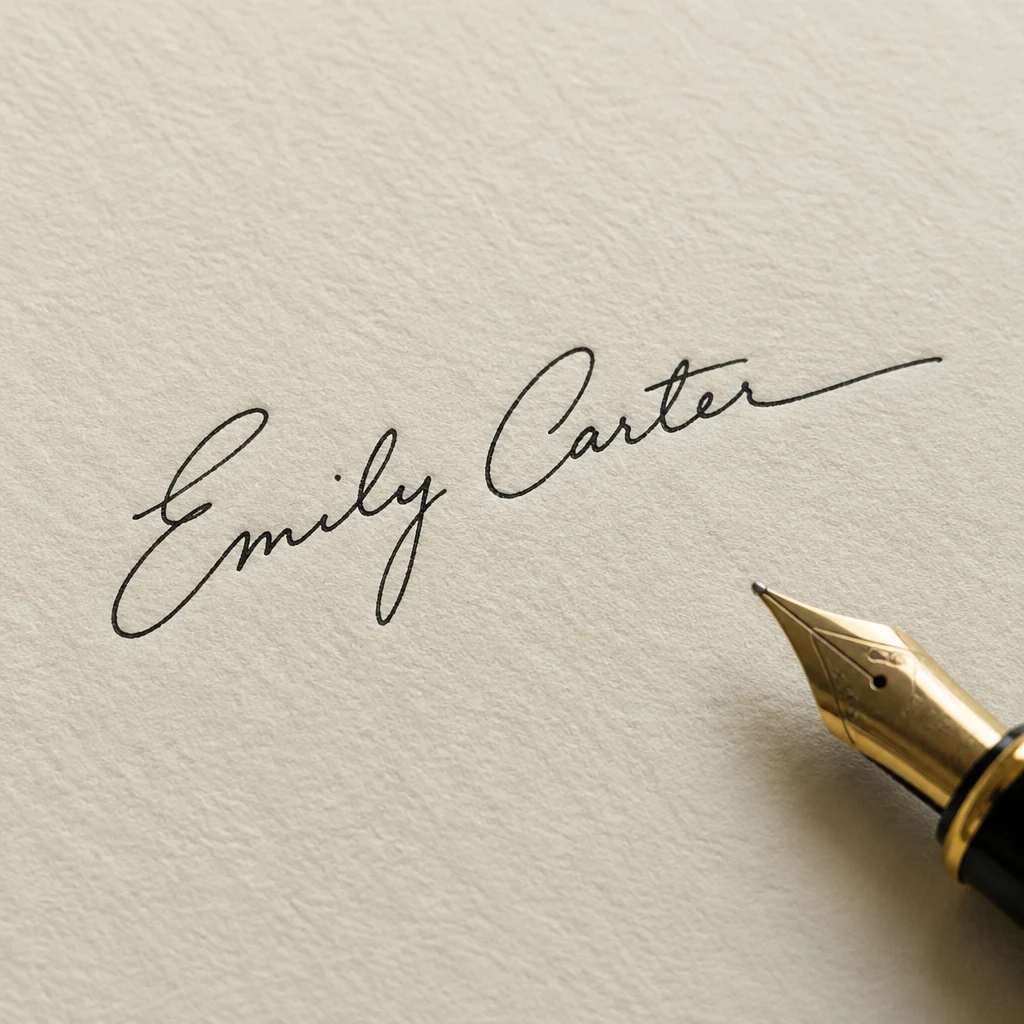
Real results from PixRemove: the photo on the left, the result on the right.
Transparent PNG
Documents
Sign on plain paper and take a photo in even light, or use a scan. JPG, PNG or WebP up to 30 MB.
The paper is removed on its own, and the editor opens with contrast, clarity and sharpness raised so the ink stays dark.
Save a transparent PNG, or a JPG on white.


Upload a photo or scan of it on this page. PixRemove removes the paper, and you download a PNG with a transparent background from the editor.
Your first 2 photos are free, no sign-up needed. After that, a free account gives you 10 credits, and each photo uses 1 credit. See pricing for packs and plans.
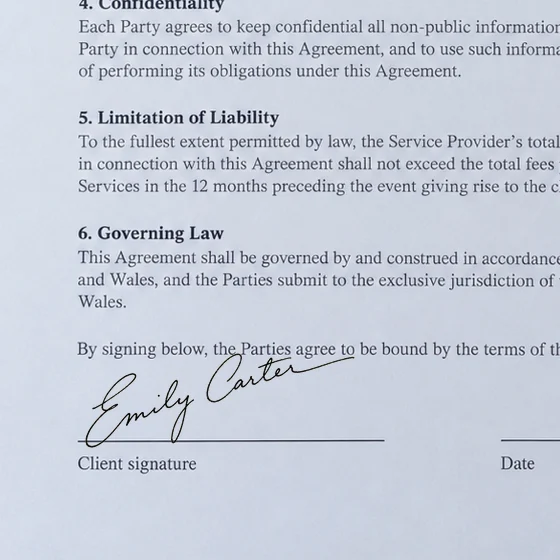
Insert the PNG as a picture. In Word, set text wrapping to In Front of Text so you can move it over the signature line; most PDF editors let you add it as an image or as your signature.
You most likely saved a JPG, which cannot hold transparency, so the empty area turns white. Download the PNG instead: everything except the ink stays see-through.
Yes. Add up to 50 images; each one has its background removed, and you can download them all in one ZIP.
An edited PNG or JPG from the editor is up to 16 MP. The plain transparent cut-out, without the contrast adjustment, keeps the size you uploaded, up to 30 MP.
No watermark, and your first 2 photos are free without sign-up.