Profile photos
By using this tool you agree to our Terms of Service and Privacy Policy.
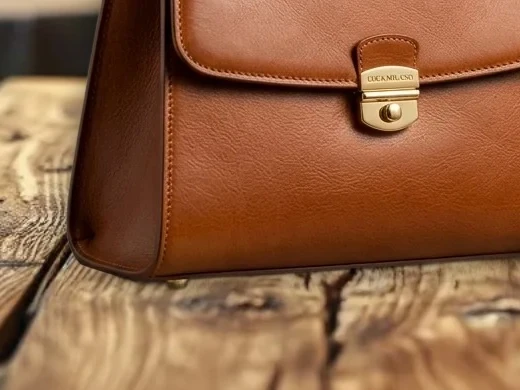
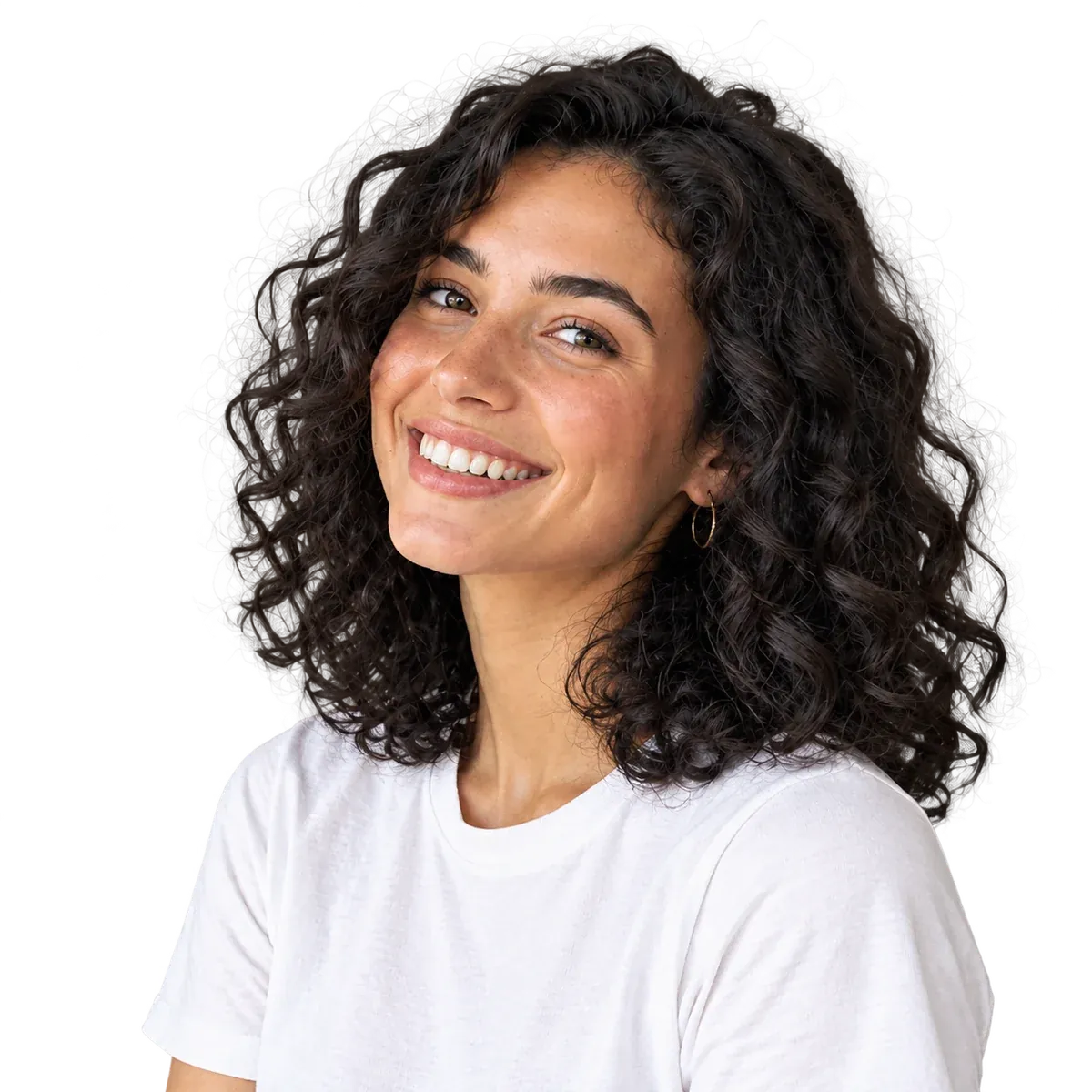
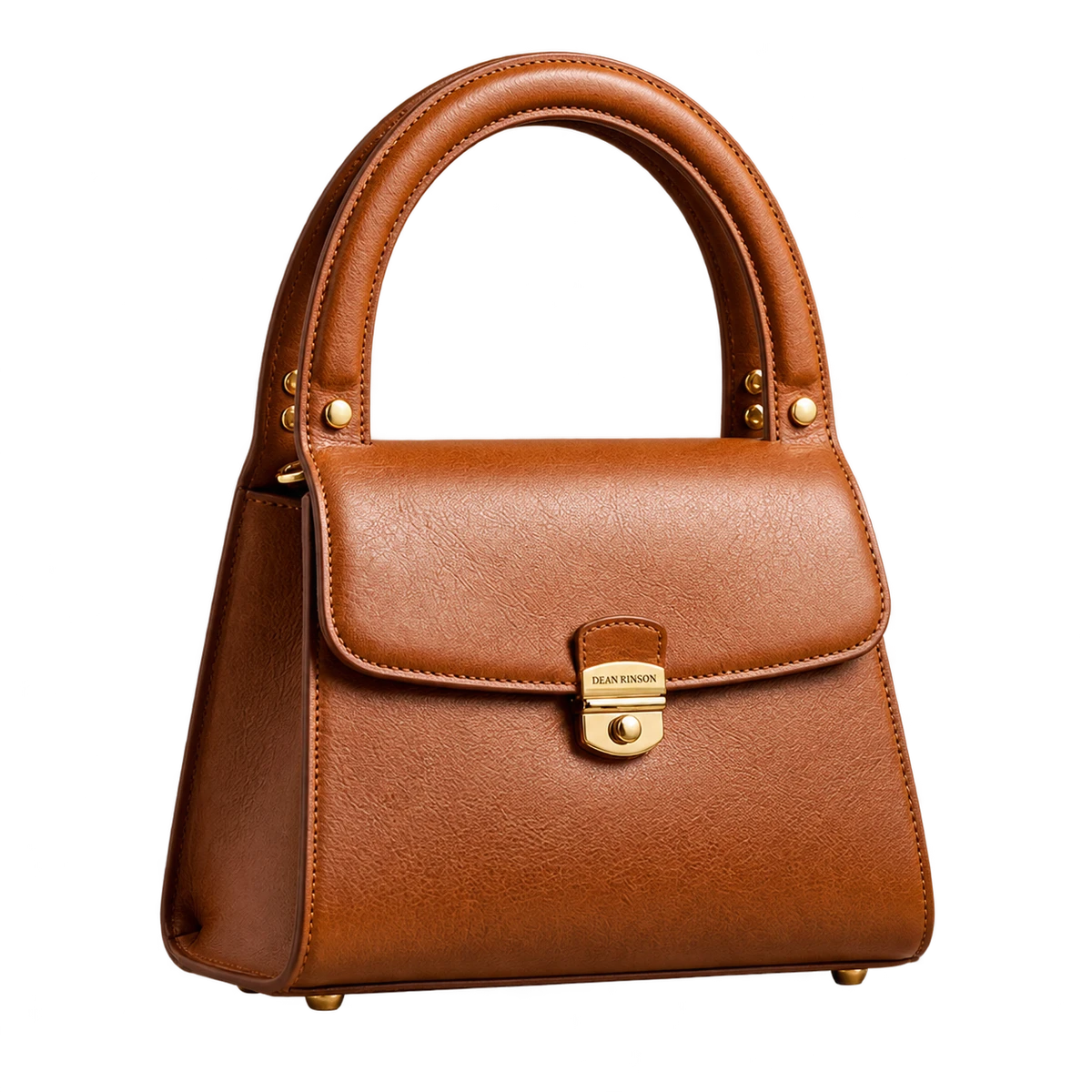
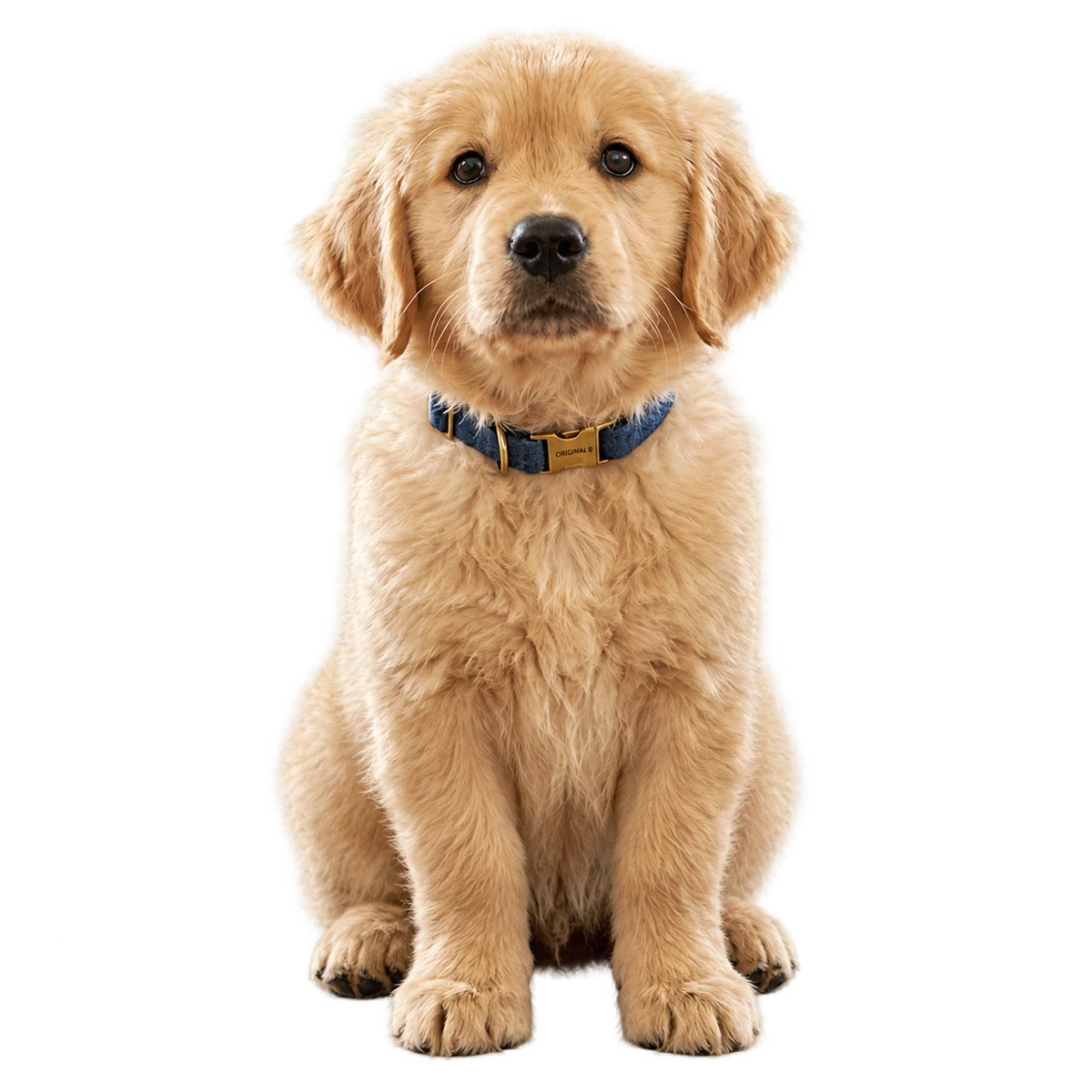
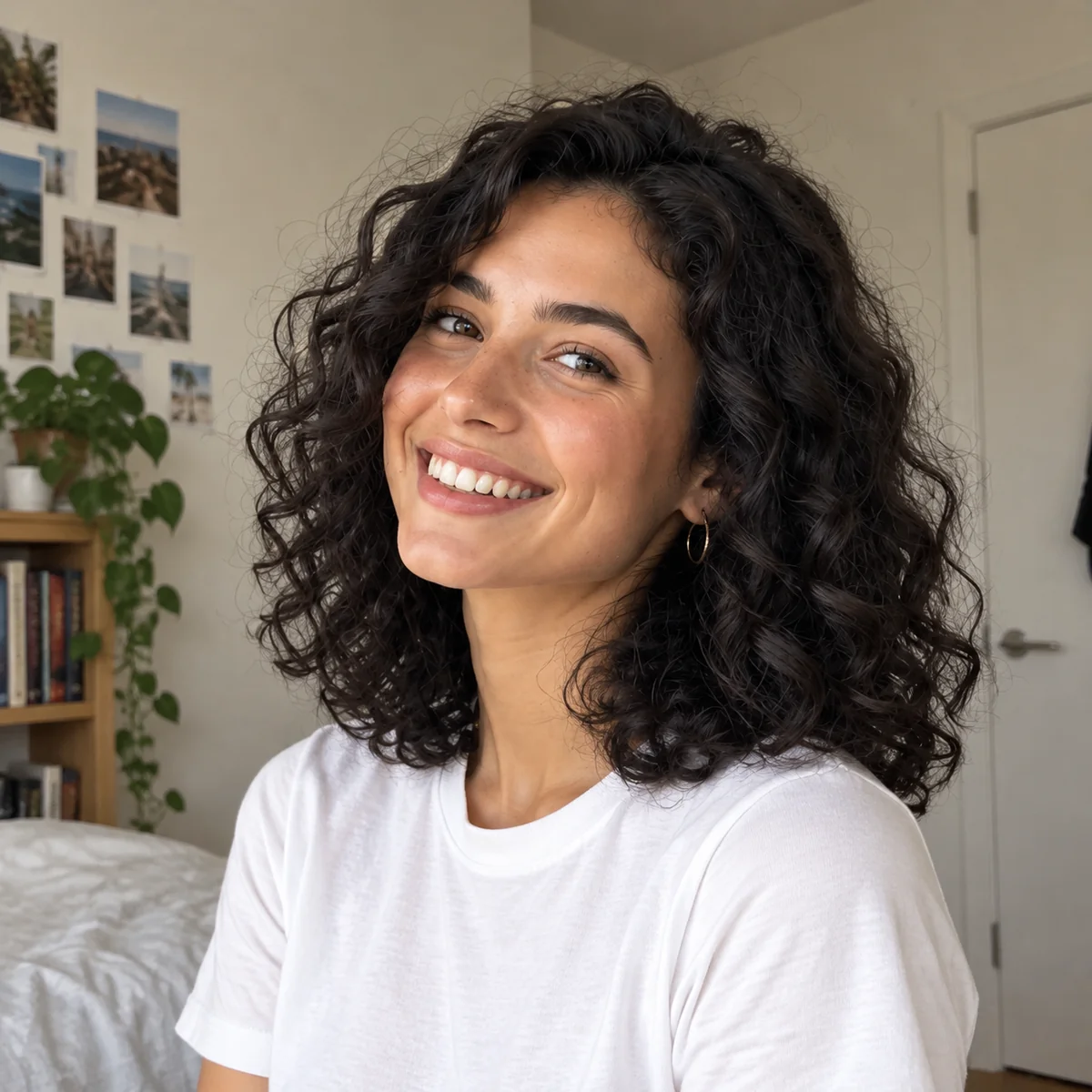
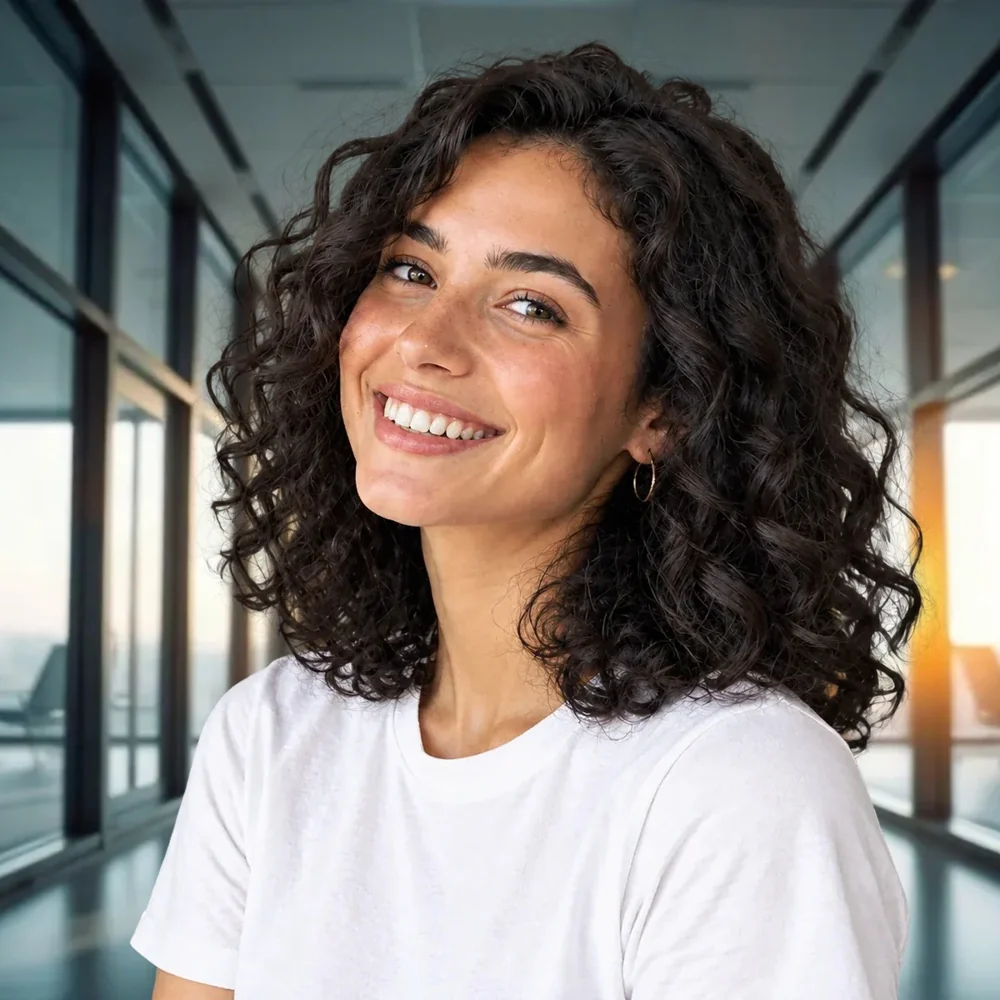
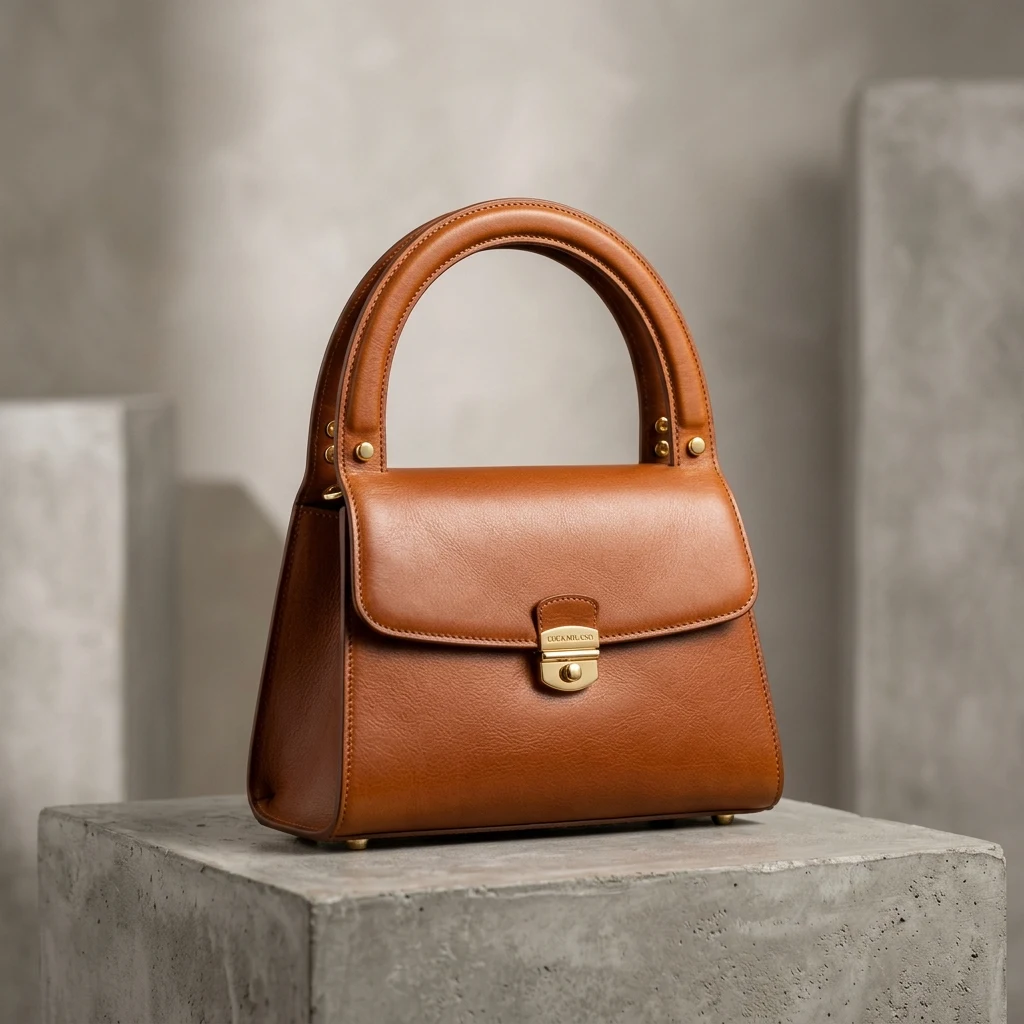
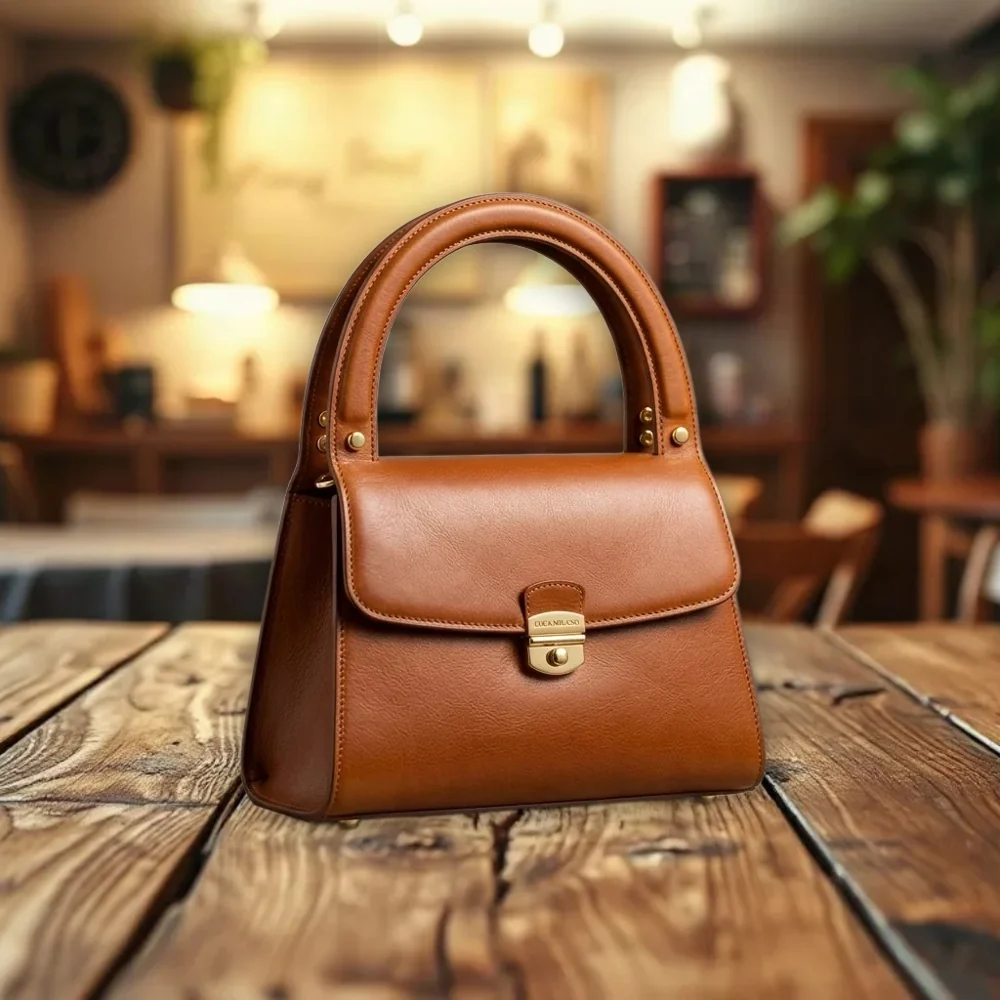
Real results from PixRemove: the original on the left, our cut-out on one of the editor’s backgrounds on the right.
Profile photos
Products
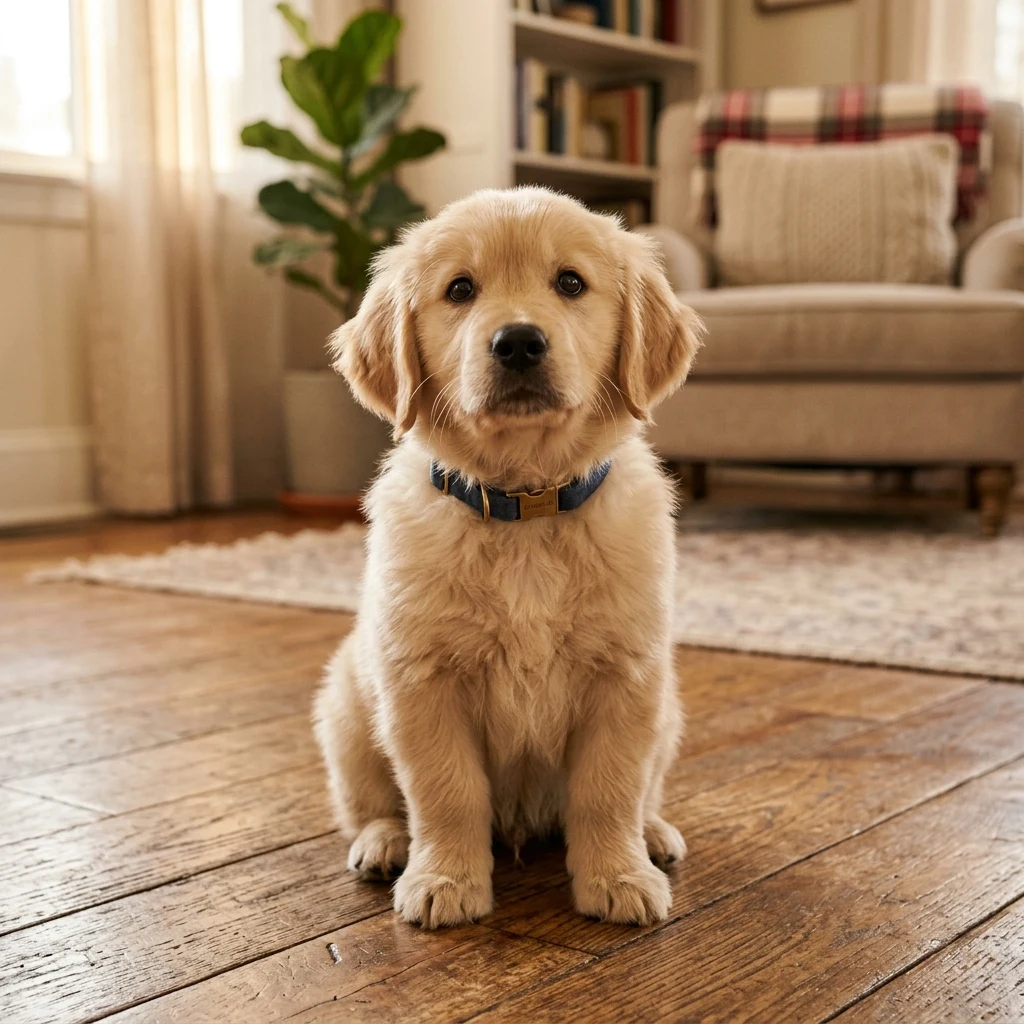
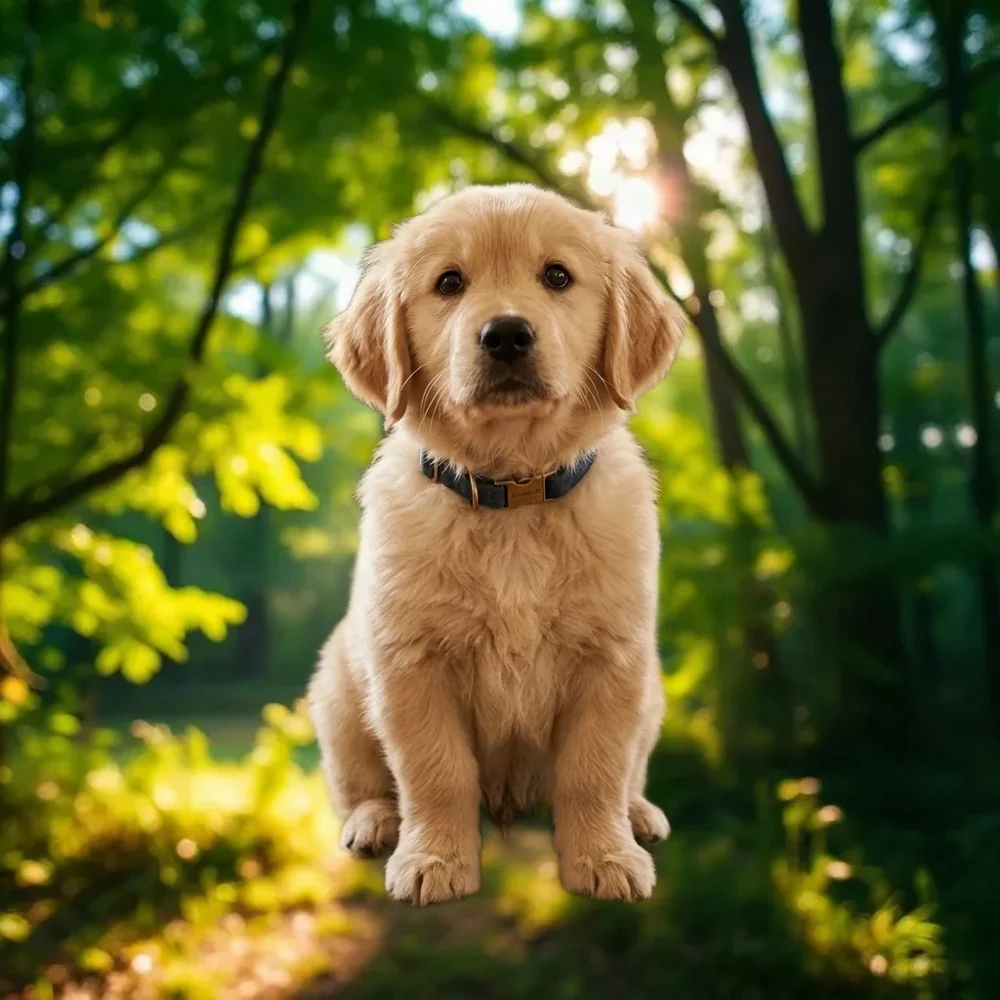
Pets
JPG, PNG or WebP up to 30 MB, or paste with Ctrl/⌘+V. Up to 50 at once.
The editor opens on the Photo tab with a marble kitchen behind your subject. Pick another of the 12, upload your own, or describe an AI scene.
Save a JPG or PNG (up to 16 MP), or every photo in one ZIP.
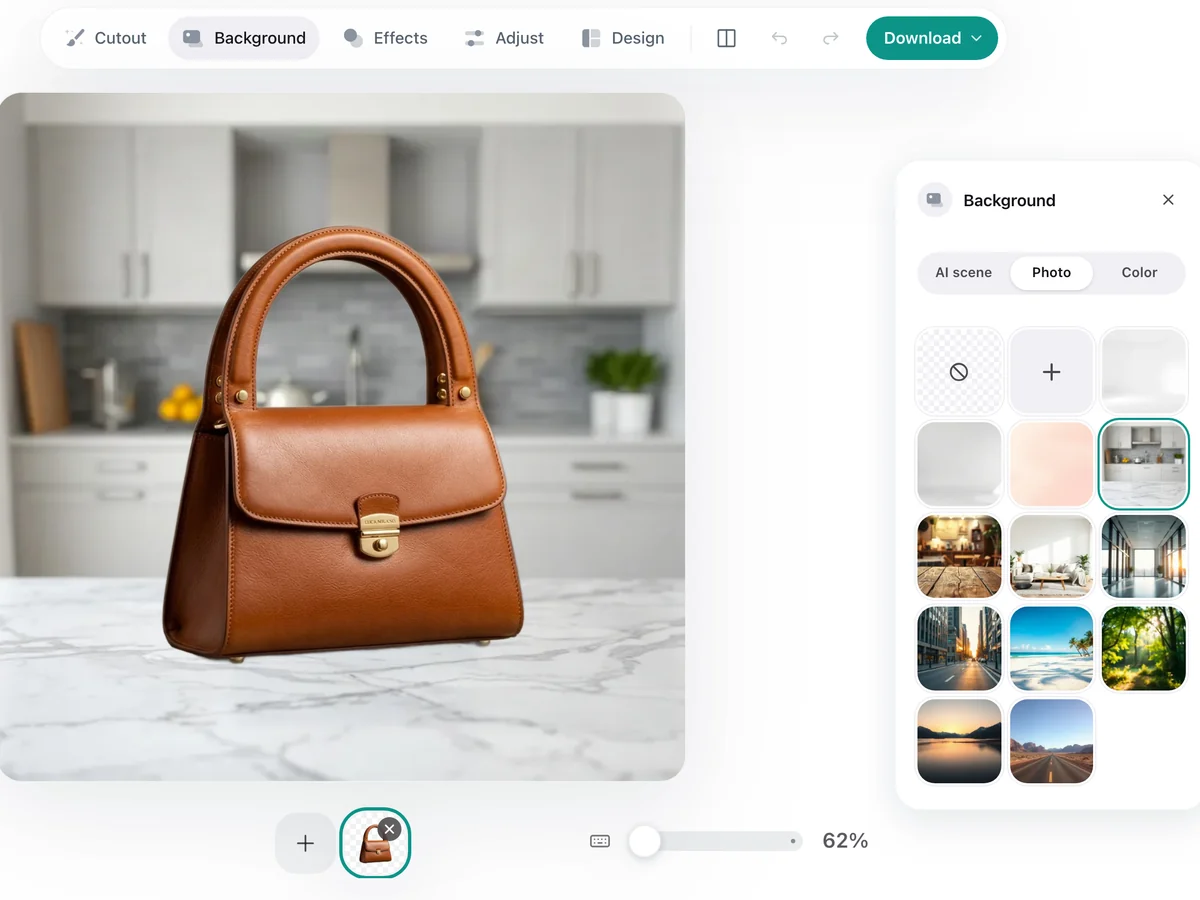
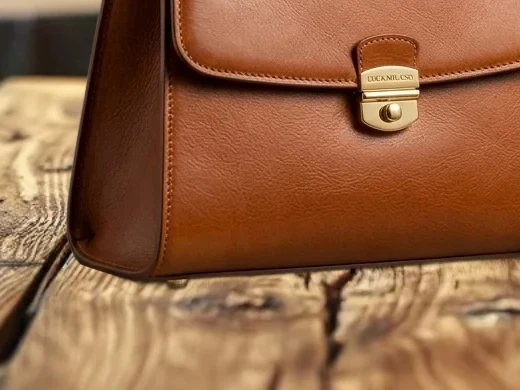
The web batch takes up to 50 images at a time. The desktop app takes whole folders, resumes after interruptions and saves straight into your folders.
Upload the photo on this page. The background is removed and a new one is already in place; pick a different one on the Photo tab and download.
Your first 2 photos are free, no sign-up needed, with a built-in or your own background. After that, each photo uses 1 credit, and a free account gives you 10. AI scenes need an account and use 4 credits each. See pricing.
Yes. On the Photo tab, tap + and choose any JPG, PNG or WebP from your device; it goes behind your subject.
Yes. On the AI scene tab, describe a place, mood or material and AI builds the background around your subject. You need to sign in, and each AI scene uses 4 credits.
Pick a background whose light and camera angle are close to your photo, and turn on a soft shadow under Effects so the subject does not float.
Yes. Add up to 50 photos; each one opens with the same background, and you can download them all in one ZIP.
No watermark, and your first 2 photos are free without sign-up.